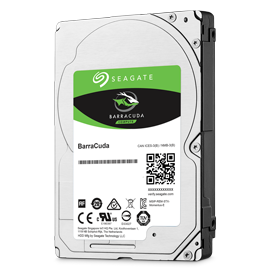
- Capacity
- 1000 GB
- Height
- 7mm
- RPM
- 5400
- Recording Technology
- SMR

Hardware finder
Updated September 30, 2026
10 Hard Drives from 3 brands.
Consumercarts is reader-supported. Learn more
Showing 10 Hard Drives found
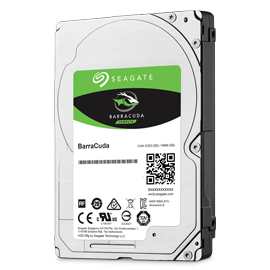
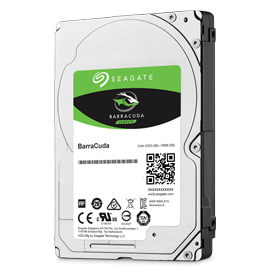
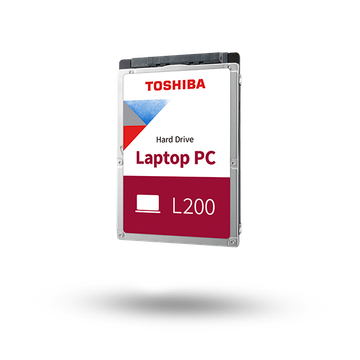
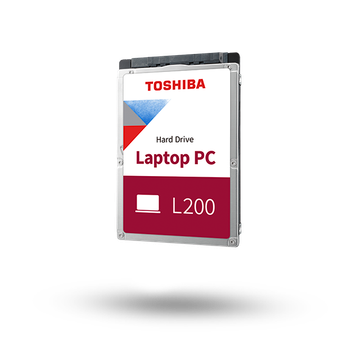
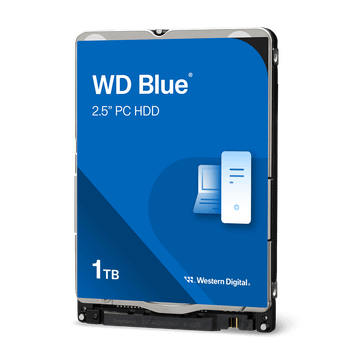
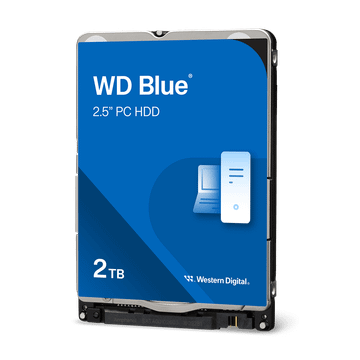
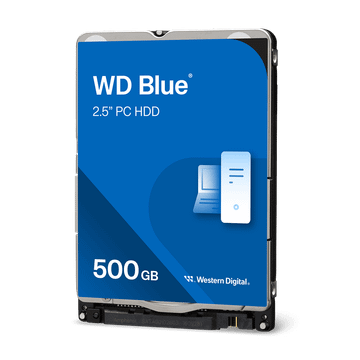
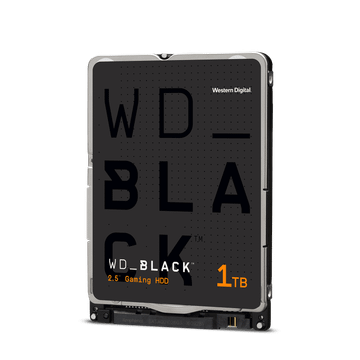
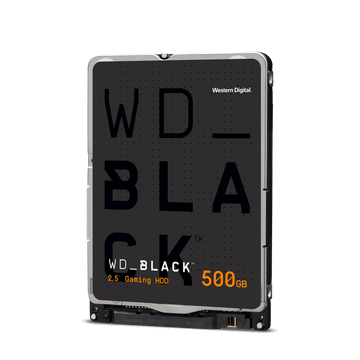
2.5-inch hard drives listed by the figures that decide whether one fits and how it behaves: capacity, drive height, spindle speed, cache and recording technology.
Height comes first for a laptop. Thin laptops take 7mm drives only, older and thicker ones take 9.5mm, and 15mm drives fit no laptop at all. Our laptop upgrade checker shows which laptops have a 2.5-inch bay.
Check the bay first. Most laptops sold since 2020 have no 2.5-inch bay at all, only M.2 slots. If yours has one, look up the bay height: a 7mm drive fits every bay, a 9.5mm drive needs a 9.5mm bay.
Check for the cable and bracket. Many budget laptops ship with an empty bay but without the SATA ribbon cable and mounting bracket. The drive is useless without them. The part numbers are in the laptop's service manual.
Use it for bulk storage, not the system drive. Every current 2.5-inch hard drive spins at 5400 or 7200 rpm and uses SMR recording. That is fine for photos, video and game libraries, but slow for Windows itself and for large sustained writes. Put the operating system on an SSD.
Buy one for capacity. If you only need 500GB or 1TB, a 2.5-inch SATA SSD in the same bay is far faster and uses less power.
Only if the laptop has a 2.5-inch drive bay. Most laptops sold since 2020 have M.2 slots only. Check our upgrade checker or the laptop's service manual.
Height. A 7mm drive fits both 7mm and 9.5mm bays. A 9.5mm drive only fits a 9.5mm bay. 15mm drives do not fit laptops.
Shingled magnetic recording overlaps data tracks to fit more on each platter. Reads are normal, but long sustained writes slow down sharply. It is fine for storing files, not ideal as a system drive.
A SATA SSD if the capacity you need is affordable, since it is several times faster. A hard drive if you need 2TB of bulk storage at the lowest cost.