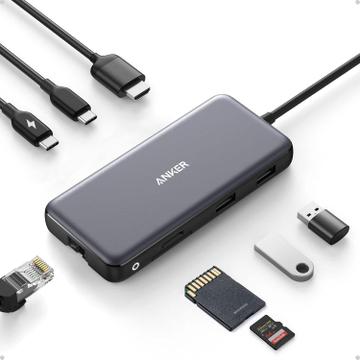
- Connection Type
- USB-C (non-Thunderbolt)
- Port Configuration
- 1x USB-C PD input
- Max Display Support
- One display
$40.00at Amazon

Hardware finder
Compare docks and hubs by connection type, ports and display support.
Updated October 10, 2026
43 docks and hubs from 25 brands. Prices from $40.00 to $500.00.
Consumercarts is reader-supported. Learn more
Showing 43 Docking Stations and USB-C Hubs found
$40.00at Amazon
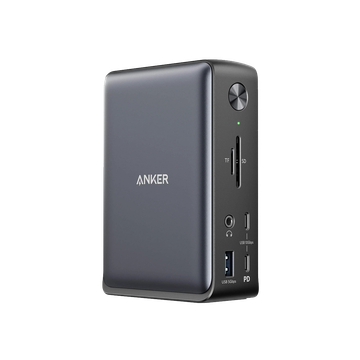
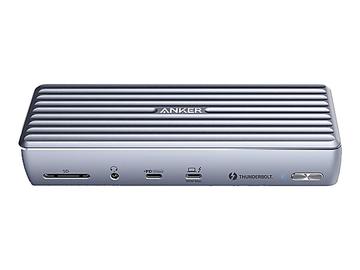
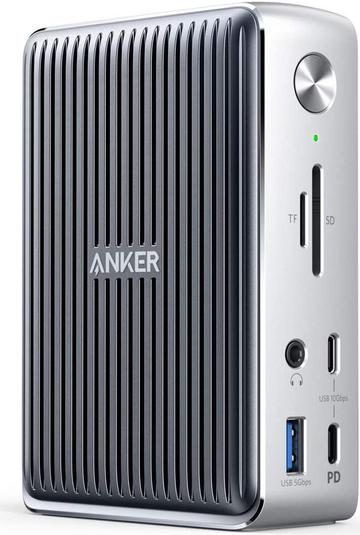
$280.00
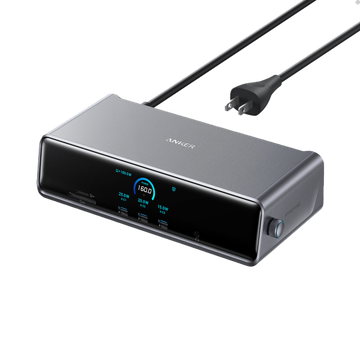
$280.00at Amazon
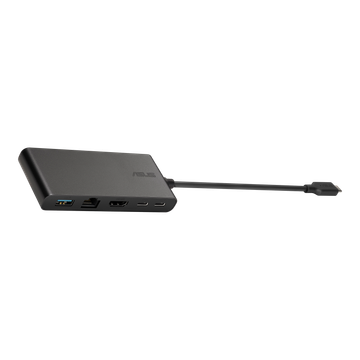
$70.00
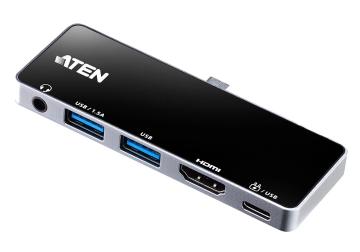
$180.00
$120.00
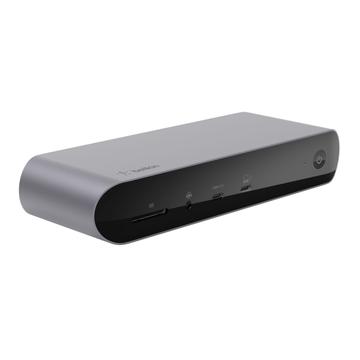
$349.99at Best Buy
$100.00
$300.00at Amazon
$500.00at Amazon
$220.00at Amazon
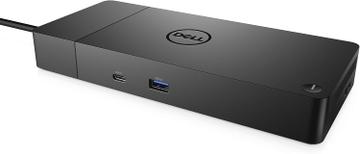
$150.00at Newegg
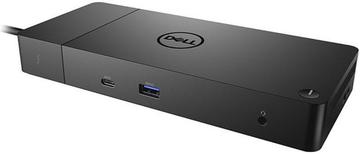
$250.00at Newegg
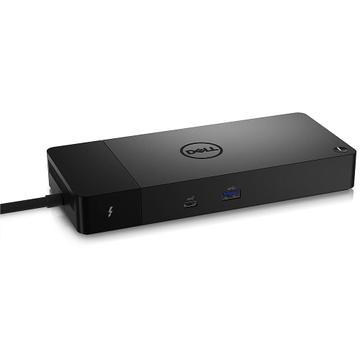
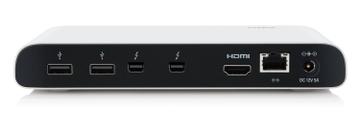
$300.00
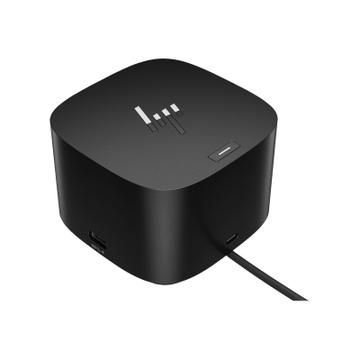
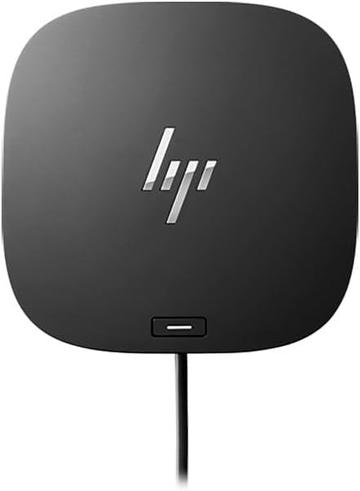
$130.00at Newegg
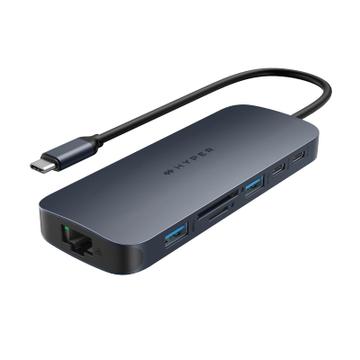
$100.00at Best Buy
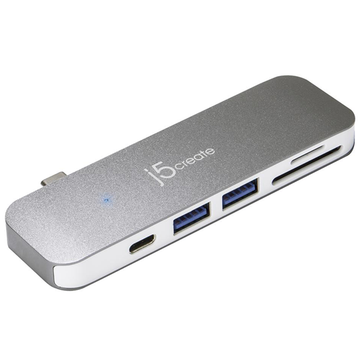
$240.00
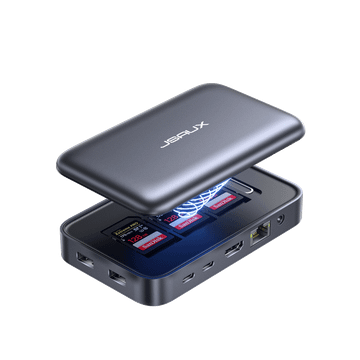
$140.00
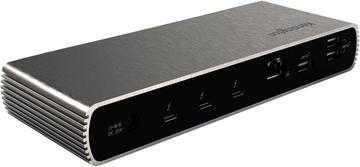
$130.00
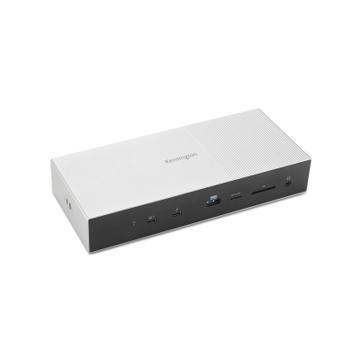
$269.99at Amazon
Compare docks and hubs by connection type, ports and display support.
Docks fail for two reasons: not enough bandwidth for the displays you want, and not enough power delivery for the laptop. Match the host connection to your laptop port first, then count the display outputs you actually need.
A USB-C hub is enough for one monitor and a few ports; Thunderbolt docks cost more because they carry 40Gbps and drive two high refresh displays. Guides: best single-cable docking station, how much power delivery you need, dock ethernet speed and docks with a Mac on one display. Popular comparisons: UGREEN Revodok Pro 209 vs 210 and Anker 575 vs UGREEN Revodok Pro 209.
Start from the laptop, not the dock. What the dock can do is capped by the port it plugs into: Thunderbolt 4, Thunderbolt 5, USB4, or plain USB-C with DisplayPort alt mode. These look identical and are not.
A plain USB-C dock usually drives one external display, or two by mirroring. Thunderbolt and USB4 drive two properly. Check the exact combination you want, resolution and refresh rate together, because a dock rated for dual 4K may only do 4K30 on the second output.
DisplayLink docks compress video in software and work on almost any machine, including ones without alt mode. They cost CPU, add latency and struggle with fast motion. Useful for extra office displays, wrong for video or games.
Check the wattage the dock supplies to the laptop against what that laptop draws. A 65W dock will charge a 100W machine slowly, or not at all under load. Also check whether the stated wattage is what reaches the laptop or what the brick is rated at.
Not all USB-A ports on a dock are fast. Many are USB 2.0. If you connect an external SSD, a webcam and an audio interface, confirm the fast ports are where you need them and that they do not share bandwidth with the ethernet.
Docks need firmware updates, and the updater is frequently Windows only. Mac support for dual external displays also depends on the laptop's own silicon, not on the dock.
Only if the dock and the laptop support DisplayPort 1.4 with Display Stream Compression, or if the dock uses DisplayLink. A plain USB-C dock on DisplayPort 1.2 alt mode usually tops out at one 4K 60Hz display or two at 30Hz.
Match or exceed your laptop's own charger. A 65W dock will keep an ultrabook charged but will slowly drain a gaming laptop under load. Thin and light machines are generally fine at 65W to 90W; 16-inch performance laptops want 100W or more.
If you need dual high refresh displays, fast external storage, or an eGPU, yes. Thunderbolt 4 guarantees 40Gbps and dual 4K 60Hz support. For a single monitor, keyboard, mouse and ethernet, a good USB-C dock does the same job for less.
Most often the cable or the power supply. Use the cable that shipped with the dock, since many generic USB-C cables are charge-only or limited to USB 2.0 data. Also check that the dock is running on its own power adapter rather than bus power.
A hub is usually powered by the laptop and adds a few ports. A dock has its own power supply, charges the laptop over the same cable and drives more displays. Thunderbolt docks add 40Gbps of bandwidth for dual high refresh screens and fast external storage.