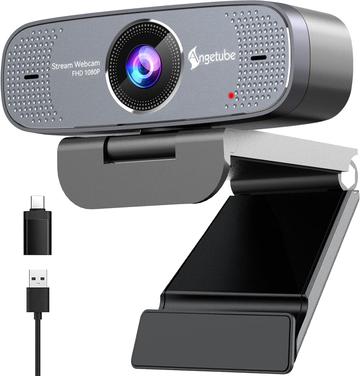
- Resolution
- 1080p
- Frame Rate
- 30 fps
- Autofocus Type
- Fixed focus

Hardware finder
Compare webcams by resolution, use case and autofocus type.
Updated October 10, 2026
86 webcams from 30 brands.
Consumercarts is reader-supported. Learn more
Showing 86 Webcams found
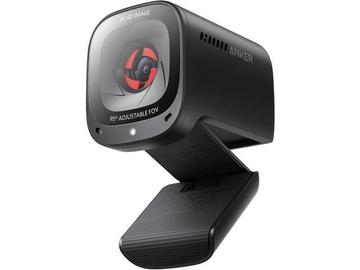
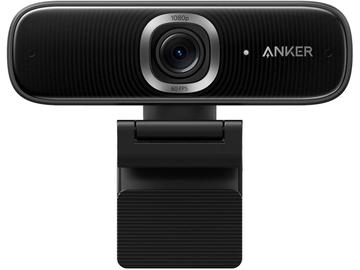
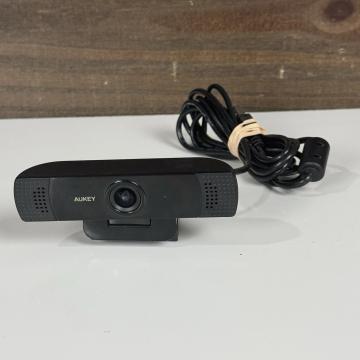
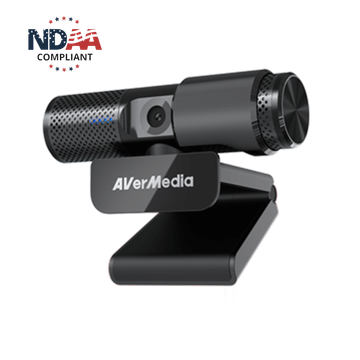
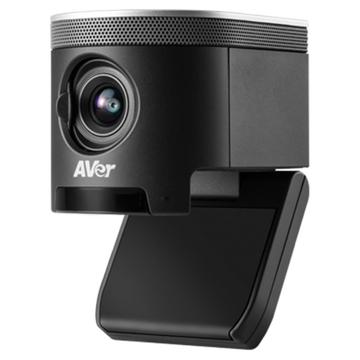
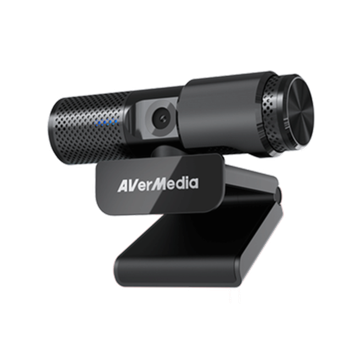
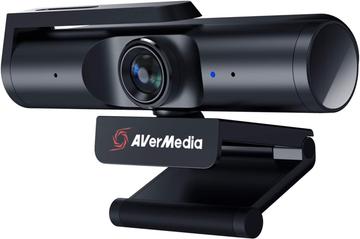
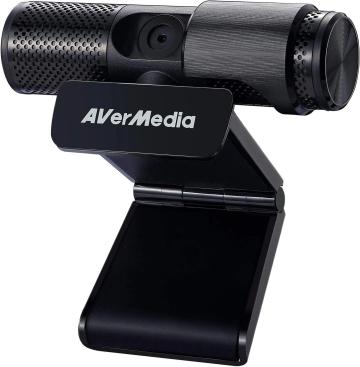
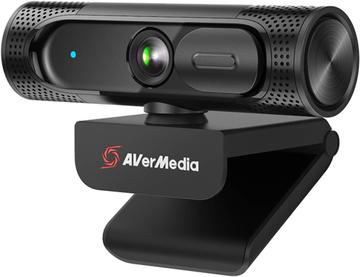
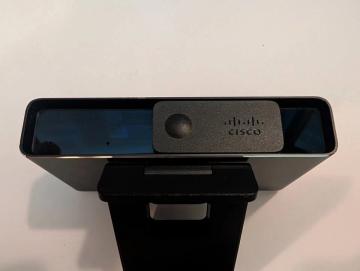
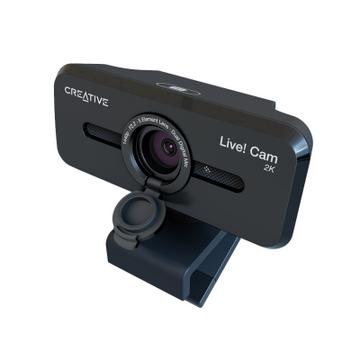
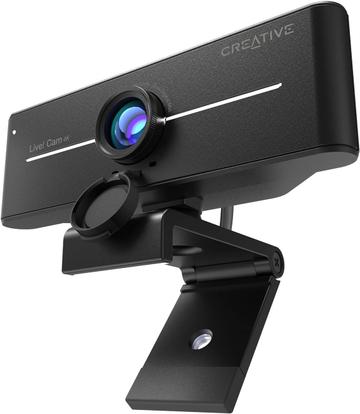
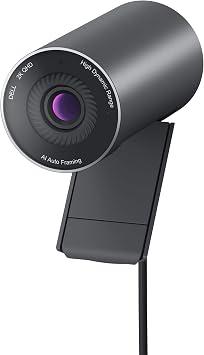
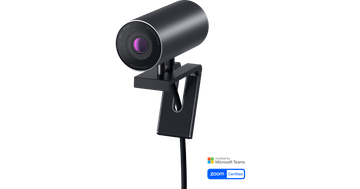
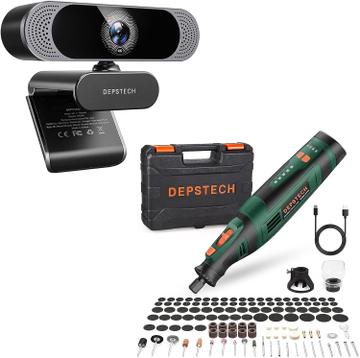
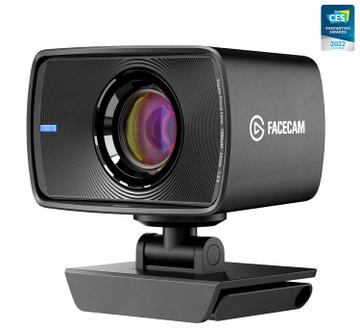
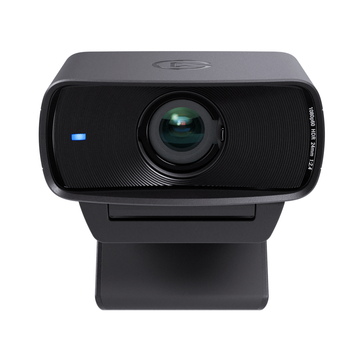
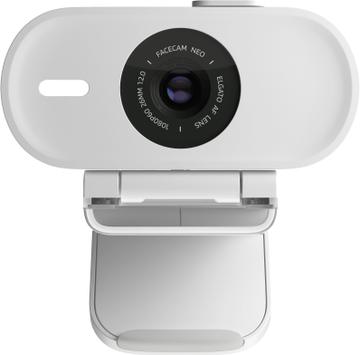
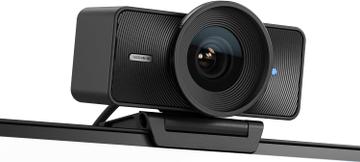
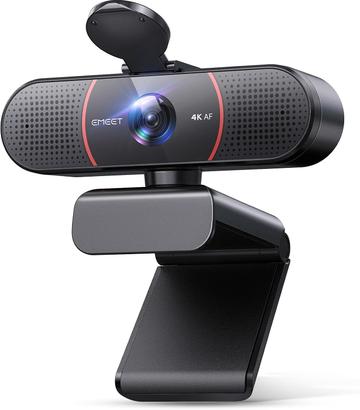
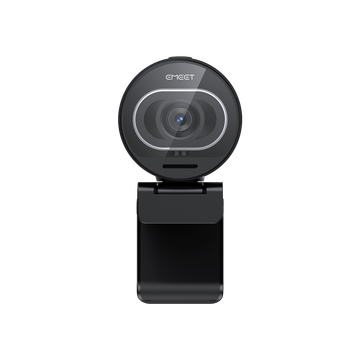
Compare webcams by resolution, use case and autofocus type.
Webcams listed with resolution and frame rate recorded separately, so a 4K30 camera is not confused with a 4K60 one, plus sensor size, aperture, field of view and focus type.
Sensor size and aperture decide low-light performance far more than the headline resolution does.
Frame rate is the other trap. Most video calls run well below a camera's maximum, and why a 4K webcam looks choppy on calls covers where those frames go. If the camera runs through a hub rather than straight into the machine, check the bandwidth on your docking station as well.
Sensor size and aperture decide how a camera looks in a real room. Resolution decides almost nothing above 1080p, because video calls are compressed long before the pixels reach the other end.
A camera badged 4K may only reach 4K at 30fps, and fall to 1080p for 60fps. Motion looks smooth at 60fps and slightly stuttery at 30. Check which combinations the camera actually supports, not the highest number on the box.
A larger sensor and a wider aperture gather more light, so the image stays clean instead of turning noisy and smeared. A small sensor compensates by raising gain, which is why a cheap 4K camera can look worse than a good 1080p one in an ordinary room.
Around 65 to 78 degrees frames one person at a desk. Above 90 degrees pulls in the whole room and distorts faces at the edges. Fixed wide angle is a problem you cannot crop your way out of on every platform.
Autofocus hunting mid call is distracting. Fixed focus is stable and unforgiving if you lean in. Manual exposure control matters if you sit in front of a window.
If the camera runs through a hub or dock, check the available bandwidth. A 4K stream over a shared USB 2.0 link will drop frames regardless of the camera.
Built in microphones are convenient and universally mediocre. If audio matters, budget for a separate microphone and ignore the camera's.
Most calling platforms cap at 1080p or lower, so the 4K sensor mainly helps by downsampling to a cleaner 1080p image. It matters more for recording and streaming.
Sensor size and aperture, not resolution. A larger sensor with a wider aperture gathers more light, which is why a good 1080p camera beats a cheap 4K one indoors.
If you move around or show objects to the camera, yes. If you sit at a fixed distance, fixed focus is sharper and never hunts.
About 65 to 78 degrees for one person. Wider angles suit multiple people or showing a room, and they put more background in frame.