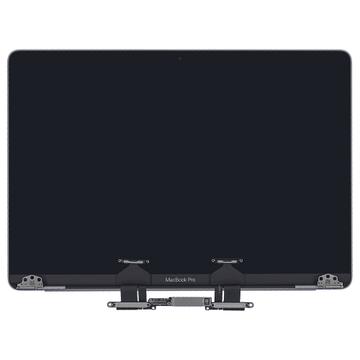
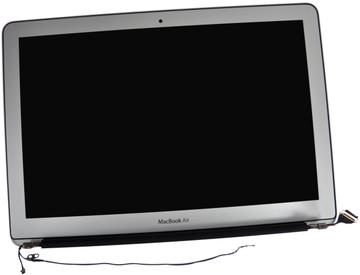
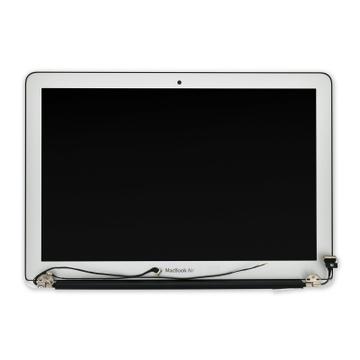
- Panel Part Number
- 661-05096
- Screen Size
- 13.3 in
- Resolution
- 2560x1600
- Panel Type
- IPS

Hardware finder
Replacement laptop panels grouped by which part numbers are physically interchangeable.
Updated October 10, 2026
256 laptop screens from 13 brands.
Consumercarts is reader-supported. Learn more
Showing 256 Laptop Screens found
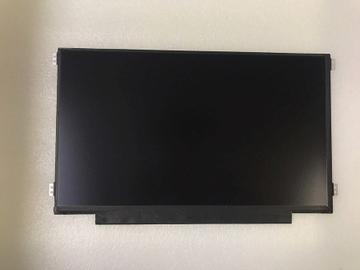
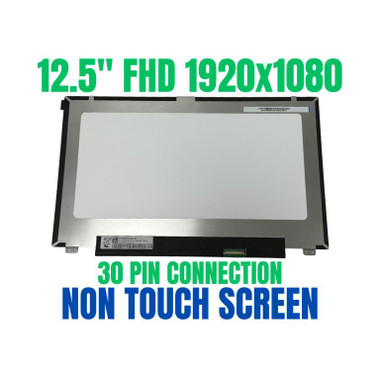
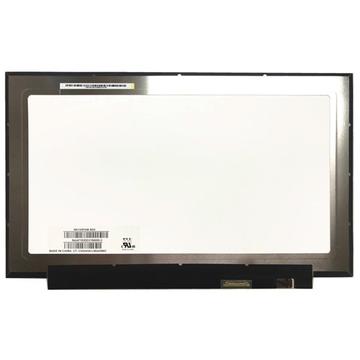
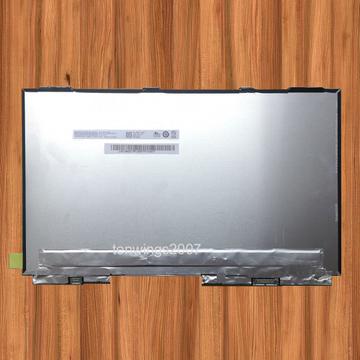
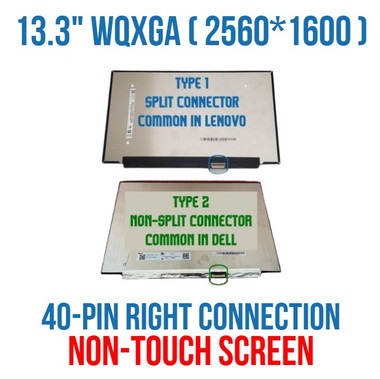
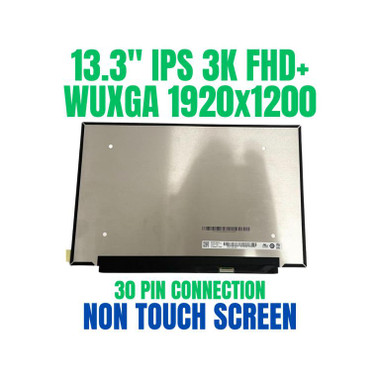

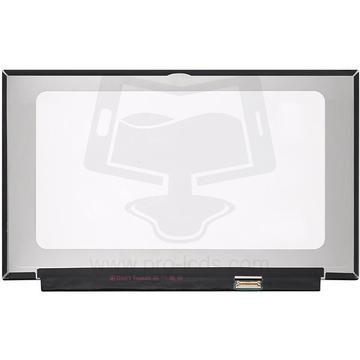
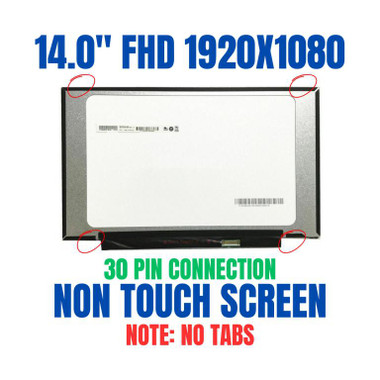
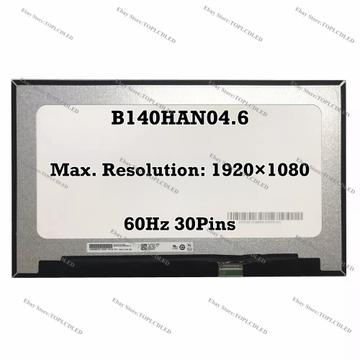
Replacement laptop panels grouped by which part numbers are physically interchangeable.
Replacement panels listed by size, resolution, panel type, refresh rate, backlight, connector pin count and mounting brackets, so you can check fitment before you buy rather than after.
Size alone does not decide fitment. Two 15.6-inch panels can differ in connector pin count, bracket position and backlight, and a touch panel never swaps for a non-touch one. The catalog holds 159 panels across 109 fitment groups, which is the real reason one screen sells under six different part numbers.
Most of what people replace is 15.6-inch at 65 panels, then 14-inch at 18 and 17.3-inch at 13. 60Hz dominates, with a smaller set at 144Hz and 165Hz for gaming machines.
Start with how to find the right replacement screen. If the laptop is dark but you are not sure the panel is the fault, read panel, backlight, cable or GPU first. The connector question has its own guide: 30-pin vs 40-pin connectors. When the part arrives, how to replace a laptop screen covers the fitting.
Fitment is decided by the panel part number, not by the laptop model. The same laptop was often shipped with panels from two or three suppliers, and they are not always interchangeable.
Remove the bezel and read the label on the back of the existing panel, or check the service manual. Ordering by laptop model alone is the single biggest cause of a panel that arrives and does not fit.
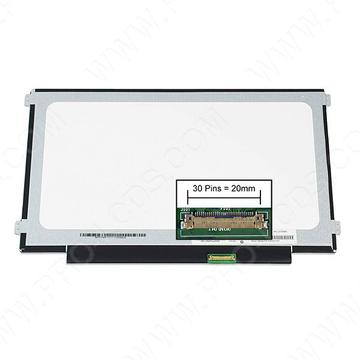
Size in inches, resolution, connector pin count and position, and the mounting bracket or ear layout. A 30 pin panel will not run from a 40 pin board, and 40 pin is usually high refresh or touch. Getting three of four right still leaves you with a return.
Going from TN to IPS at the same resolution and connector usually works. Going from 1080p to 1440p, or from 60Hz to 144Hz, needs the board and the cable to support it, and frequently a different cable. Check before assuming.
Sellers list A grade, B grade and refurbished without a shared standard. B grade typically means cosmetic marks or a small number of dead pixels. If the listing does not define its grade, treat it as unknown.
A touch assembly is bonded and is a different part from the bare panel. Replacing a touch screen usually means replacing the whole assembly.
Match the part number printed on the back of the existing panel, not the laptop model. One laptop model ships with panels from several suppliers. If you cannot read the label, the size, resolution, connector pin count, bracket position and touch or non-touch all have to match.
No. They vary by resolution, panel type, refresh rate, backlight, connector pin count and where the mounting brackets sit. Size is the first filter, not the answer.
Pin count tracks what the panel needs to carry. 30-pin is typical for standard 1080p panels, 40-pin for higher resolution, higher refresh or touch panels that carry extra signal lines. They are not interchangeable.
Usually not. The motherboard, cable and firmware have to support the higher refresh rate and the wider connector. Some machines do allow it, but treat it as an upgrade to research rather than a straight swap.
Not without losing touch and often not at all. Touch assemblies use a different connector and a different bonding to the glass, so the part is not a drop-in.
A panel is usually a fraction of the machine cost, so the screen wins unless the laptop is old or has other faults. [Is your laptop worth repairing](/blog/is-your-laptop-worth-repairing) works through the arithmetic.