- Connection Standard
- Thunderbolt 4
$150.00at Newegg

Hardware finder
Compare eGPU enclosures by connection standard and power delivery.
Updated October 9, 2026
50 eGPU enclosures from 22 brands. Prices from $80.00 to $2,674.00.
Consumercarts is reader-supported. Learn more
Showing 50 External GPU Enclosures found
$150.00at Newegg
$299.00at B&H Photo
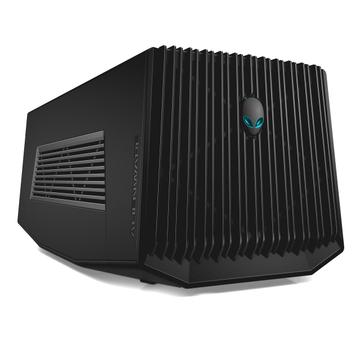
$299.00at Amazon
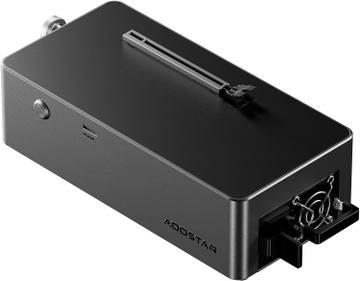
$149.00at AOOSTAR
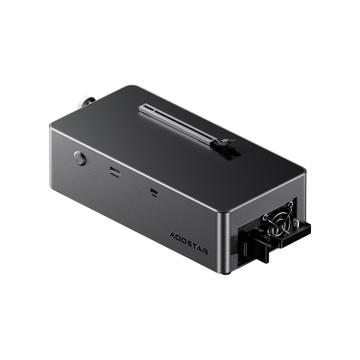
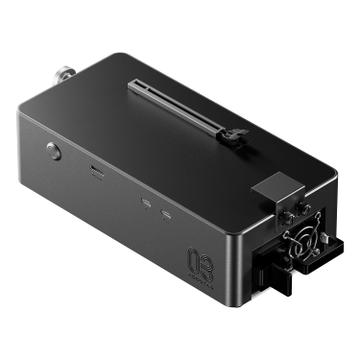
$500.00at Amazon
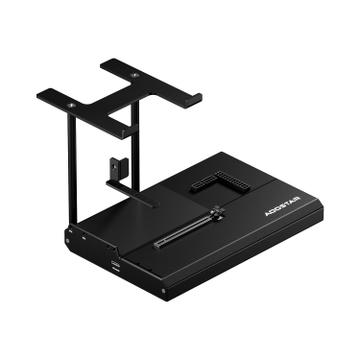
$99.00at Amazon
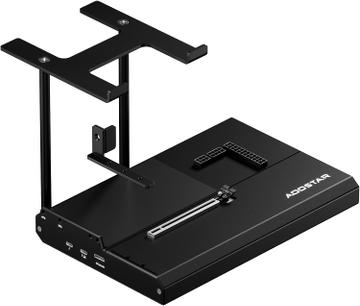
$219.00at Amazon
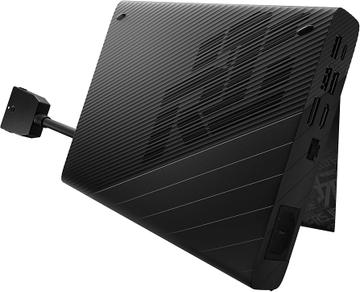
$1,999.99
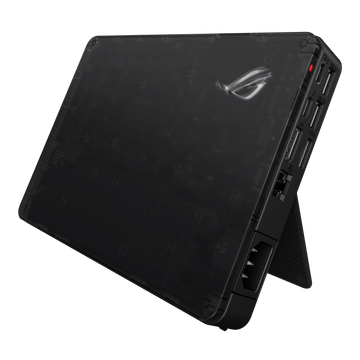
$699.00
$1,199.00
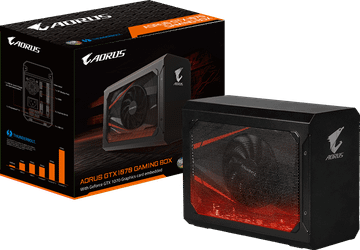
$549.99
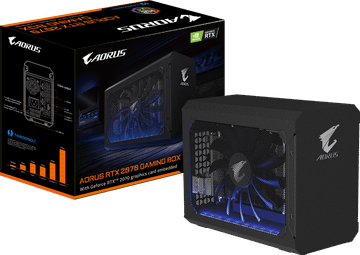
$759.99
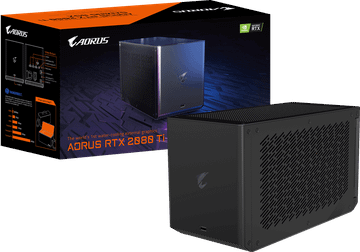
$1,099.99
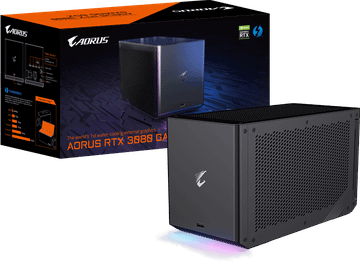
$1,499.00at Amazon
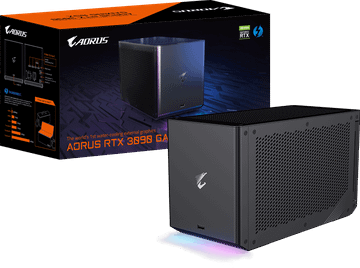
$1,999.99
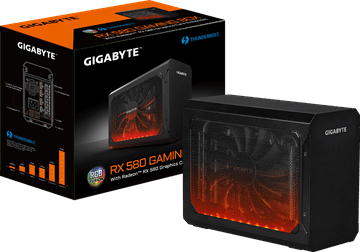
$399.00
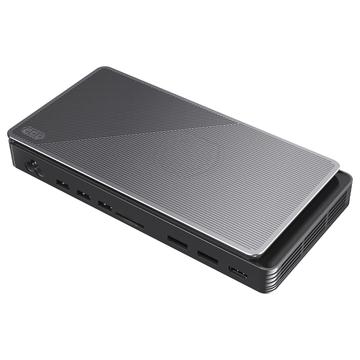
$642.00
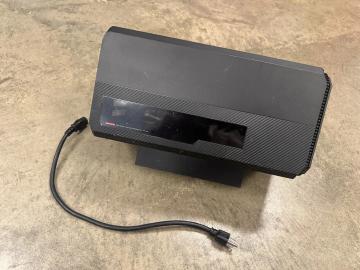
$299.00at Newegg
Compare eGPU enclosures by connection standard and power delivery.
An eGPU turns a thin laptop into a gaming or rendering machine, at the cost of some bandwidth. Two numbers decide the shortlist: the PSU wattage for the card you want and the physical clearance in millimetres.
Before you buy, read is an eGPU worth it in 2026 and Thunderbolt vs OCuLink performance: OCuLink docks lose less performance but need a matching port on the laptop. Popular comparisons: Razer Core X vs Sonnet eGFX Breakaway Puck and PowerColor Gaming Station Mini Pro vs UGREEN LinkStation.
Accept the performance cost before you start. Even on Thunderbolt 5, an external card loses performance against the same card in a desktop slot, because the link is narrower than a PCIe x16 connection. The loss grows with the power of the card, so a flagship GPU wastes more of itself than a mid range one.
Thunderbolt 3 and 4 give roughly PCIe 3.0 x4. Thunderbolt 5 and USB4 version 2 widen that considerably. A machine with only USB-C alt mode and no Thunderbolt or USB4 cannot run an eGPU at all.
Driving the laptop's own screen sends frames back over the same link and costs more performance again. Plugging the monitor into the enclosure's card avoids that round trip and is noticeably faster.
Check the enclosure's PSU wattage against the card's peak draw, and the internal dimensions against the card's length, thickness and connector routing. Many enclosures are sold with a supply that suits the card generation of their launch year and not the current one.
Most enclosures charge the laptop over the same cable. Confirm the wattage matches what the machine needs under load, or you will discharge while gaming.
Apple Silicon does not support external GPUs. On Windows, driver handling of hot plug varies and some machines need the enclosure connected at boot.
Expect roughly 10 to 20 percent versus the same card in a desktop when driving an external monitor, and more when routing the image back to the laptop's own display, where losses of 30 percent or higher are common at high frame rates.
Card power plus around 150W for headroom and host charging. A 220W card wants a 500W enclosure at minimum; a 320W card really needs 650W or more, and remember the same PSU may also be supplying 100W to the laptop.
It needs a Thunderbolt 3, 4 or 5 port with external GPU support enabled in firmware. USB4 ports often work but are not guaranteed, and plain USB-C data ports will not work at all. Check your specific model rather than the port shape.
Apple silicon Macs do not support external GPUs. Intel Macs support AMD cards over Thunderbolt 3 with the built-in drivers. NVIDIA cards are not supported on macOS in any recent release.
It depends on the card and your laptop's port. For a full-size desktop card over Thunderbolt, pick an enclosure whose power supply covers the card plus about 150W and whose clearance fits the card length. If your laptop has OCuLink, an OCuLink dock loses the least performance. Filter by interface, PSU wattage and card length above.
It is if you want one laptop for work on the go and gaming or rendering at a desk. You lose some performance over Thunderbolt and the enclosure plus card costs close to a desktop, so if the laptop never leaves the desk, a desktop is better value.