
Showing 128 Single-board Computers found
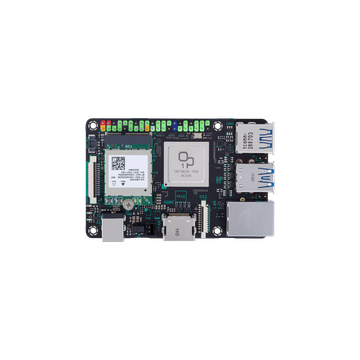
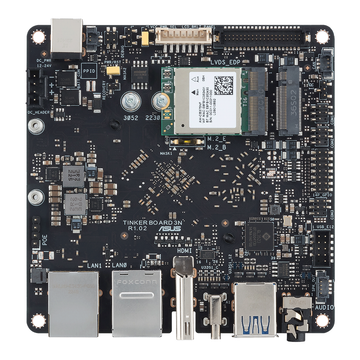
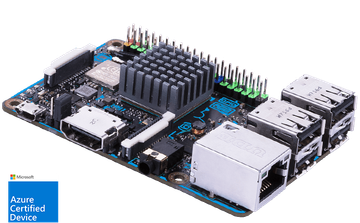
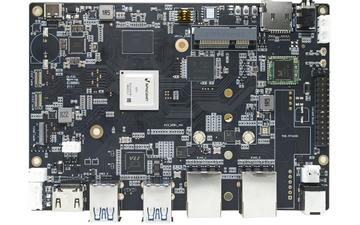
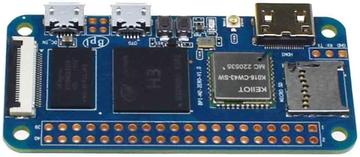
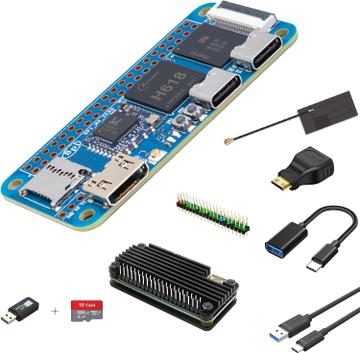
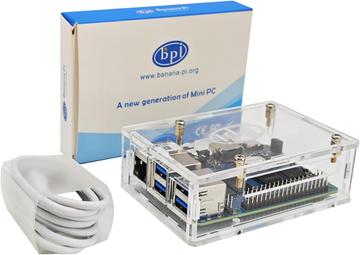
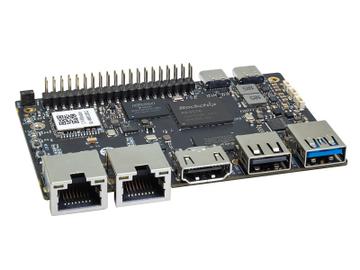
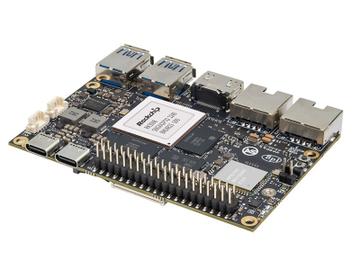
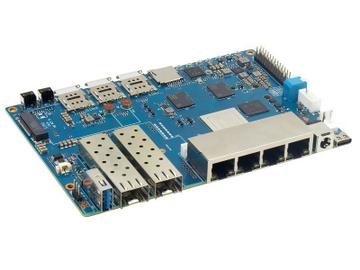
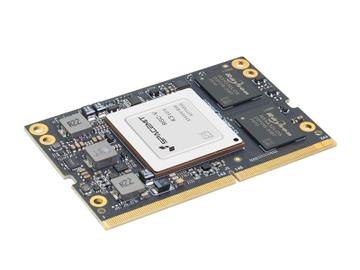
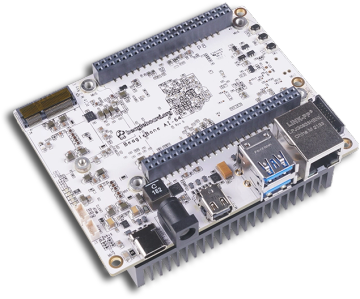
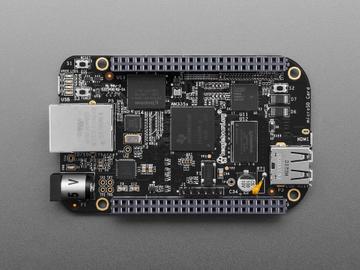
- CPU Architecture
- ARM
- Memory
- 0.5 GB
- Price
- 55 USD
$55.00at Amazon
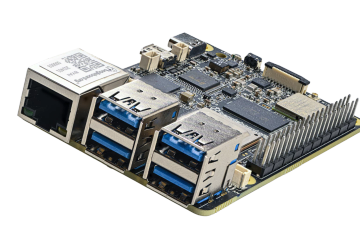
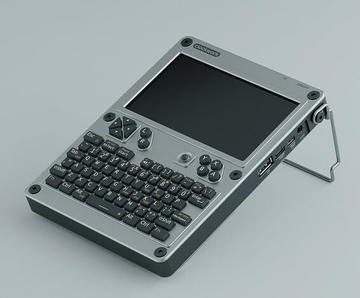
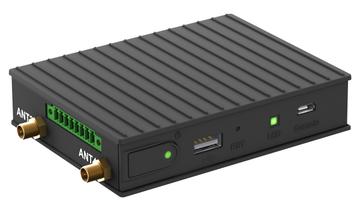
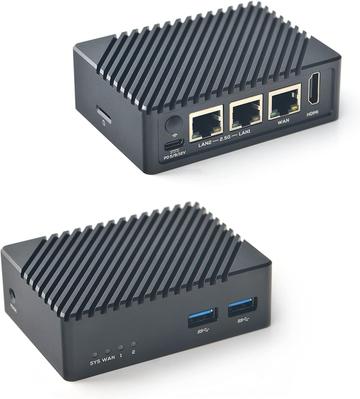
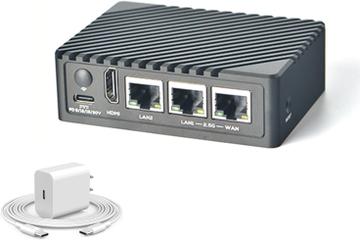
- CPU Architecture
- ARM
- Memory
- 4 GB
- Price
- 105 USD
$105.00at Amazon

Hardware finder
Updated October 10, 2026
128 single-board computers from 28 brands. Prices from $5.00 to $1,999.00.
Consumercarts is reader-supported. Learn more
Showing 128 Single-board Computers found
$55.00at Amazon
$105.00at Amazon
Single board computers are chosen by workload, not by benchmark. A home automation hub wants low idle power and GPIO, while a small NAS needs NVMe or SATA and real gigabit or faster networking.
Boards are listed by SoC, core layout, memory, storage interfaces, networking, GPIO header and power draw, with any NPU figure kept separate from the GPU so an AI claim is not read as graphics performance.
The spec that decides how long a board stays usable is not printed on the box: whether it runs mainline Linux or a vendor kernel fork. For expansion see boards with a PCIe slot, for local inference see boards with an NPU, and for stronger Pi-class hardware see Raspberry Pi 5 alternatives. Popular comparisons: Banana Pi BPI-R4 vs Raspberry Pi 5 8GB and ASUS Tinker Board 2 vs NVIDIA Jetson Orin NX.
Choose by workload, not by benchmark. A home automation hub wants low idle power and GPIO. A small NAS wants NVMe or SATA and real gigabit or faster networking. A media box wants hardware decode for the codecs you actually play.
The spec that decides how long a board stays usable is not printed on the box: whether it runs mainline Linux or a vendor kernel fork. A vendor fork pins you to that vendor's image and stops receiving updates when they lose interest. Mainline support means the board keeps working with current distributions for years.
A board with a large community has working images, forum answers and tested projects. A faster board with none of that costs you weekends. This is why the most popular boards stay popular despite being outperformed on paper.
microSD is convenient and the usual point of failure. Boards with eMMC, NVMe or SATA are far more reliable for anything running continuously. Check whether the PCIe lane is shared with another port.
Idle draw matters for anything on all year. Peak draw sets the power supply, and undersized supplies cause random reboots that look like software faults. Most performance boards need a heatsink or a fan to hold clocks.
An NPU figure in TOPS says nothing about whether your framework can use it. Check for actual driver and runtime support before buying on that number.
2GB is enough for home automation, Pi-hole or a print server. 4GB suits a light desktop or a few containers. 8GB or more makes sense if you are running several services, a media server with transcoding, or compiling on the board.
On many recent boards yes, either through a native M.2 slot or via a PCIe adapter. NVMe boot is considerably more reliable than microSD, which is the single most common cause of a board that stops working after a few months.
For file sharing and backups over gigabit, yes. For anything with parity, several drives, or heavy simultaneous transfers, a board with native SATA or PCIe and more memory bandwidth will hold up much better under load.
Under sustained load, yes. Most boards throttle within minutes in a closed case without a heatsink. A passive heatsink is enough for light always-on services; a small fan is worth it for compiling, transcoding or anything running at full CPU for long stretches.