How to choose case fans
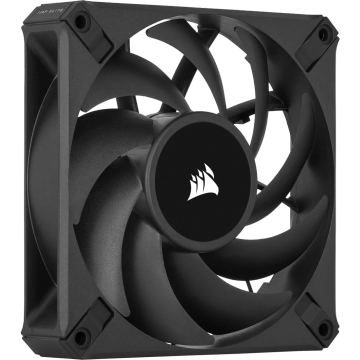
Decide the job first. Static pressure fans are designed to push air through resistance, meaning radiators, dense heatsinks and restrictive filters. Airflow fans move more air in open space, meaning case intakes and exhausts. Using one in the other's place costs real degrees.
Noise means nothing without RPM
A dB(A) figure is only comparable at a stated speed, which is why the quietest fan in a list is often just the slowest one. Compare noise at a matched airflow figure, and treat manufacturer numbers as measured in an anechoic chamber, not in your case.
Size and thickness
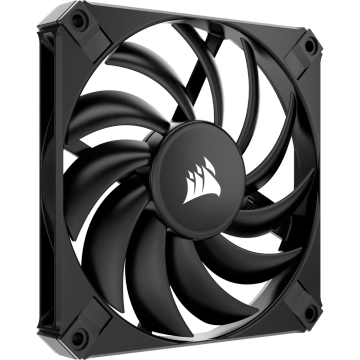
140mm fans move the same air as 120mm fans at lower speed, so they are usually quieter, if the case takes them. Thickness matters on radiators: a 25mm fan is standard, and 30mm or thicker improves static pressure at the cost of clearance.
Bearings decide lifespan
Sleeve bearings are cheapest and fail earliest, especially mounted horizontally. Rifle, FDB and magnetic levitation bearings last longer and stay quieter as they age. The rated hours figure assumes a fixed temperature, so treat it as a ranking, not a promise.
PWM, not voltage
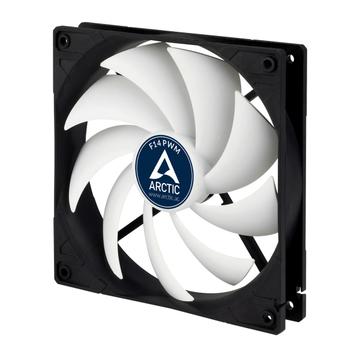
PWM fans hold a stable low speed and take a proper curve from the motherboard. Three pin fans are controlled by voltage and usually will not run below 40 percent. For a quiet machine, PWM is the difference.
Pressure balance
Slightly more intake than exhaust keeps dust coming through filters rather than through every seam in the case. Equal or negative pressure means dust everywhere.
Common mistakes
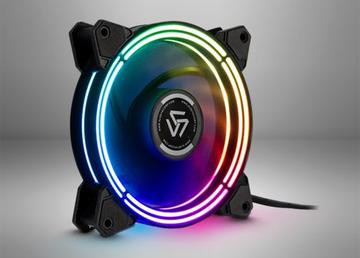
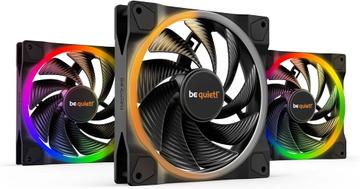
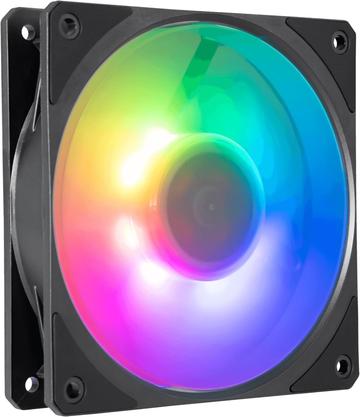
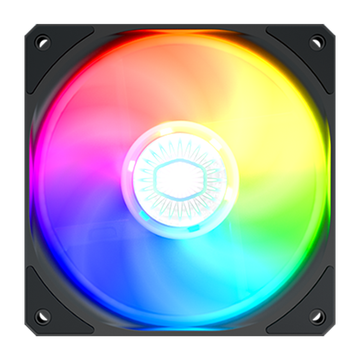
- Buying RGB fans and discovering they need a proprietary controller and hub.
- Mounting radiator fans as exhaust through a front mesh, dragging dust into the radiator.
- Chasing maximum RPM on a fan that will run at 40 percent forever.