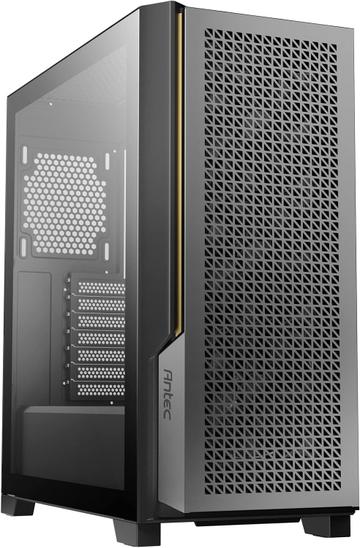
- Motherboard Support
- E-ATX
- Case Type
- Mid-Tower
- Panel Type
- Mesh front
$70.00at Antec

Hardware finder
Compare PC cases by supported form factors, case type and panel design.
Updated October 9, 2026
77 PC cases from 19 brands. Prices from $50.00 to $350.00.
Consumercarts is reader-supported. Learn more
Showing 77 PC Cases found
$70.00at Antec
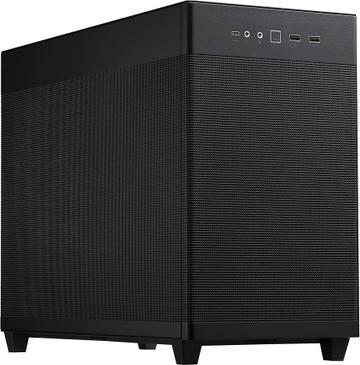
$70.00at Amazon
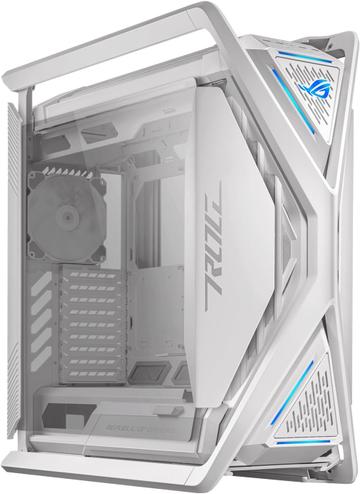
$330.00at ASUS Store
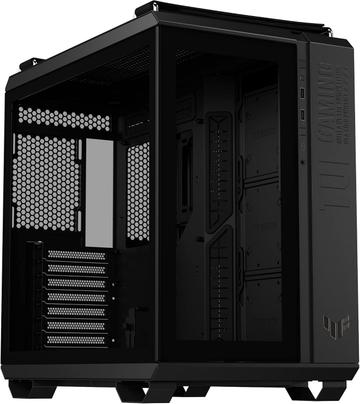
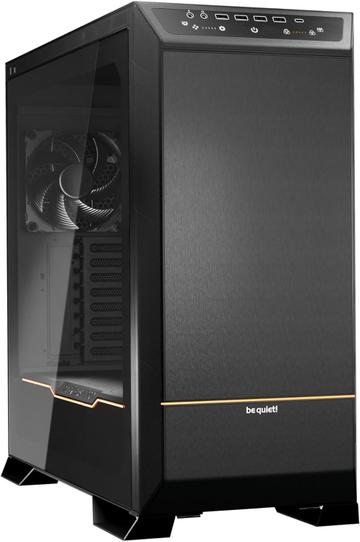
$210.00at be quiet! Store
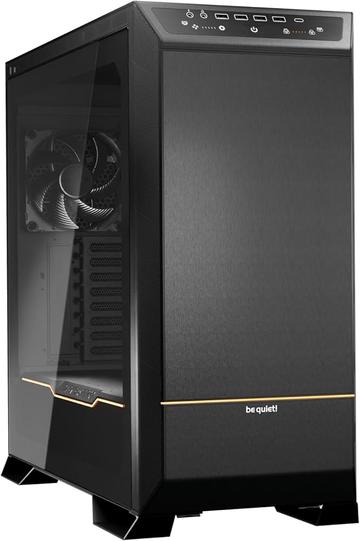
$280.00at Amazon
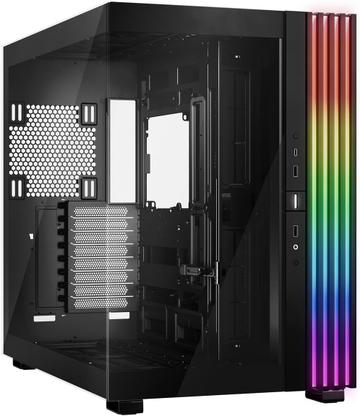
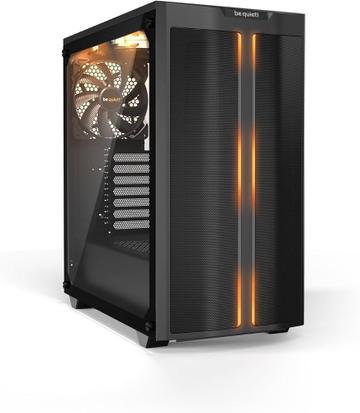
$110.00
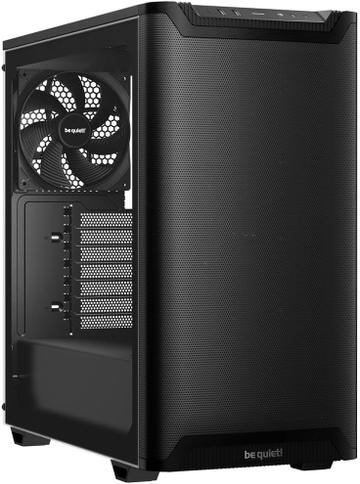
$90.00at be quiet! Store
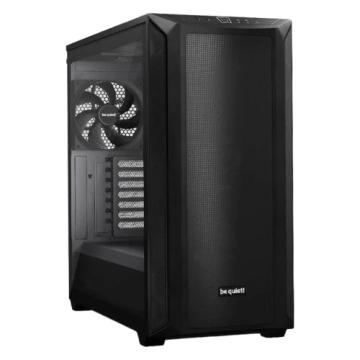
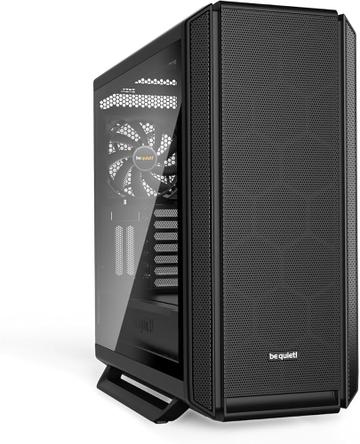
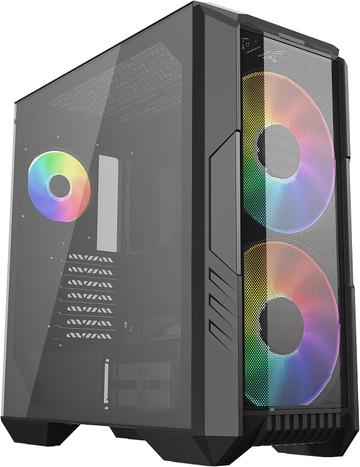
$140.00at Cooler Master Store
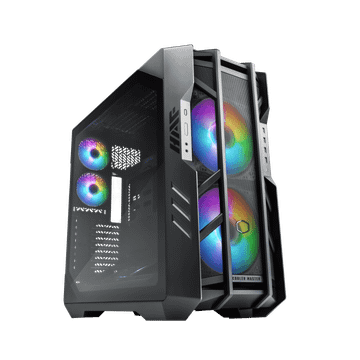
$350.00at Amazon
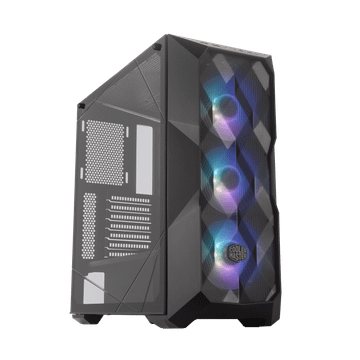
$95.00
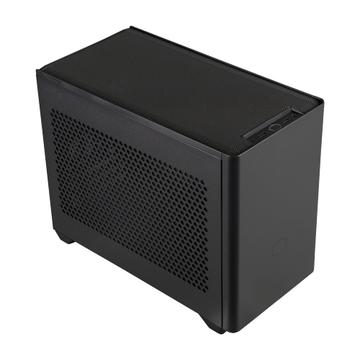
$110.00at Amazon
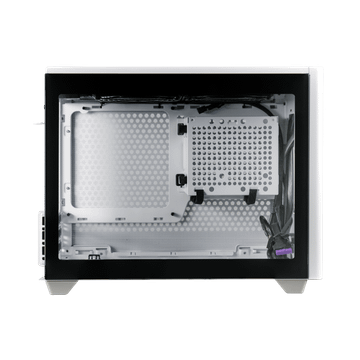
$110.00at Cooler Master Store
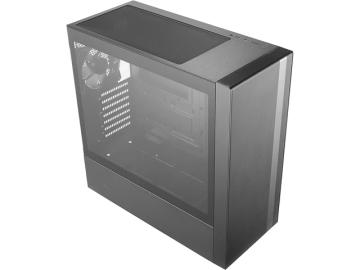
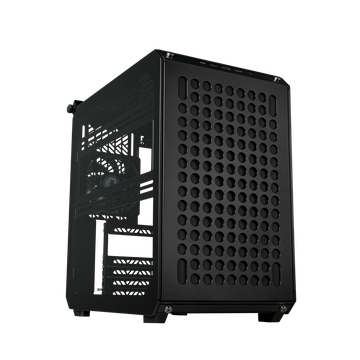
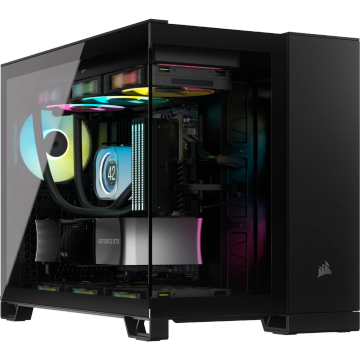
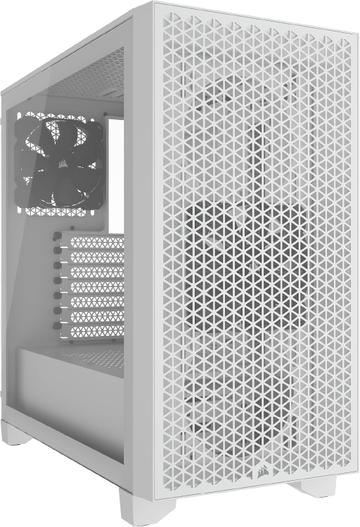
$95.00at Corsair Store
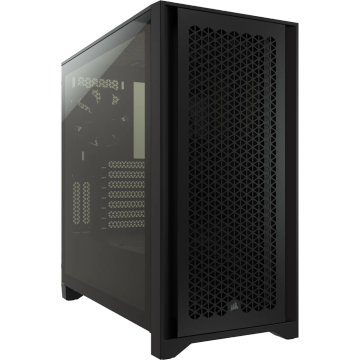
$105.00
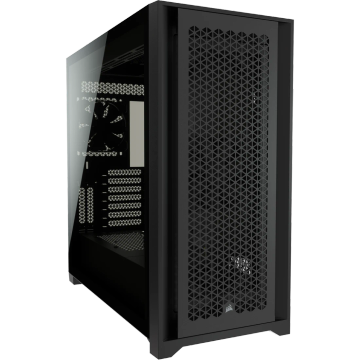
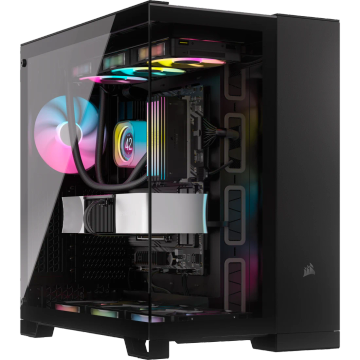
$220.00at Corsair Store
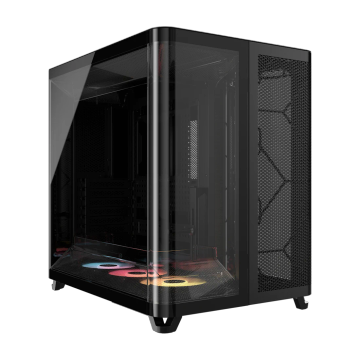
Compare PC cases by supported form factors, case type and panel design.
Cases listed by supported motherboard sizes and the four clearance figures that decide a build: graphics card length, cooler height, power supply length and radiator support per position.
Radiator support is published per mounting position, so a case that takes 360mm in front may only take 240mm on top.
Check fit before looks with our PC case clearance guide and GPU clearance with a radiator. Popular comparisons: Corsair 6500X vs DeepCool CK560, be quiet! Dark Base 901 vs Montech Air 903 Base and Corsair 5000D Airflow vs NZXT H9 Elite.
Clearance first, looks second. Write down three numbers before you shop: maximum CPU cooler height, maximum graphics card length, and maximum radiator size with the fan stack included. Most returned cases fail one of those three.
A mesh front moves more air and is louder. A solid or sound dampened front is quieter and runs warmer. You cannot have both at once, and a solid panel in front of a high wattage GPU is the usual cause of a hot, loud machine, because the fans have to spin harder to compensate.
Mid tower ATX is the default and the easiest to build in. Mini ITX saves desk space and costs you cooler height, card length, drive bays and your patience. Full tower only makes sense for large radiators, many drives or E-ATX boards.
Fan count and position vary enormously between models in the same range. A case with one rear fan needs two or three more, which is real money. Confirm whether the fans are PWM and whether there is a hub.
Many current cases have no 3.5 inch bays at all, or hide two behind the motherboard tray. If you run mechanical drives, count the mounts before buying.
Front panel ports and their speed, whether there is a USB-C header, dust filter placement and whether they pull out without disassembly, cable routing depth behind the tray, and whether the side panel is glass or steel.
Compare the card length against the case GPU clearance, and add 20 to 30mm for the power connector and cable bend. If you fit a front radiator, use the case second, shorter figure.
Each case lists its maximum supported size. A smaller board always fits a larger case, never the reverse.
Check the specific position rather than the headline figure, and remember the constraint is thickness as well as length. A 27mm radiator with 25mm fans is a 52mm stack.
Yes. Compare PSU depth against the case maximum length and allow 40 to 50mm behind it for modular cables. An SFX supply fits an ATX bracket with an adapter, not the reverse.
Start with motherboard size, then the four clearances that decide a build: graphics card length, CPU cooler height, power supply length and radiator support per position. Airflow, dust filters and front ports come after the build fits.