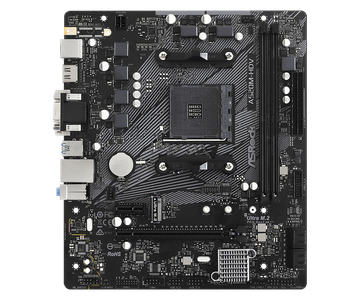
Showing 138 Motherboards found
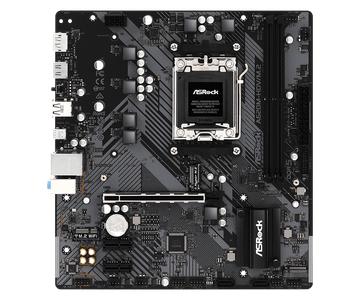
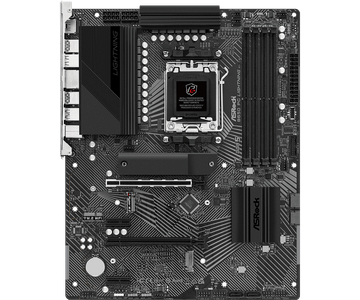
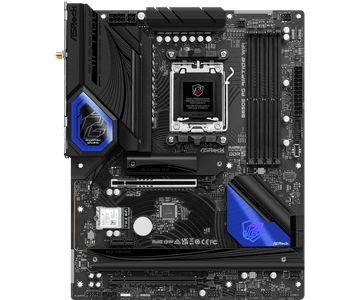
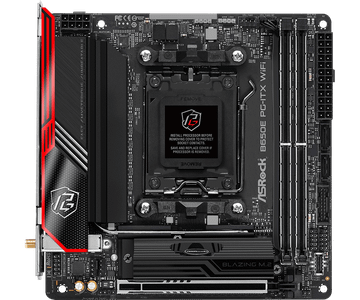
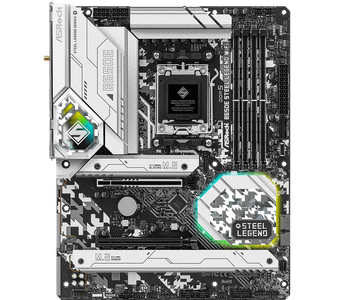
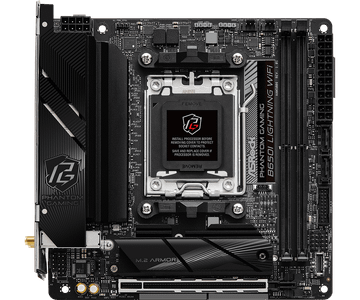
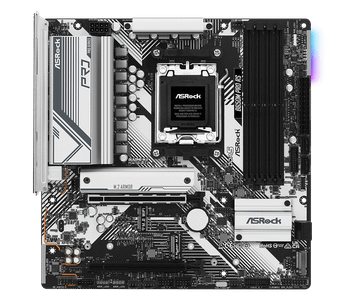
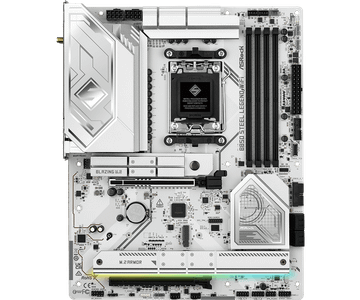
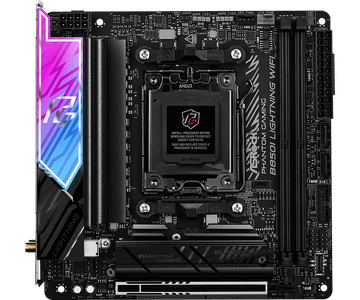
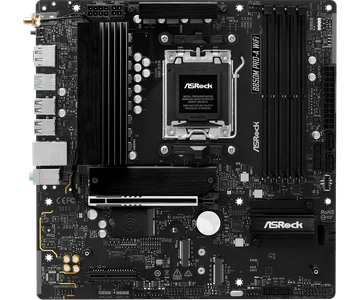
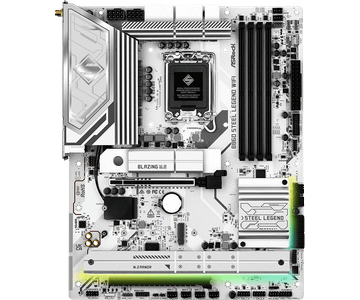
- Platform
- Intel
- Socket Type
- LGA1851
- Form Factor
- ATX
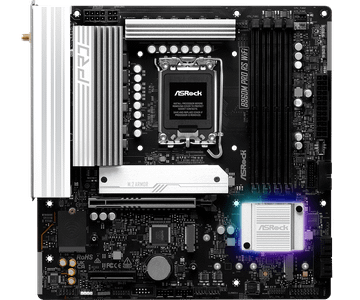
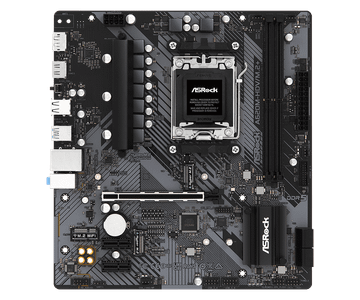
- Platform
- Intel
- Socket Type
- LGA1851
- Form Factor
- Micro-ATX
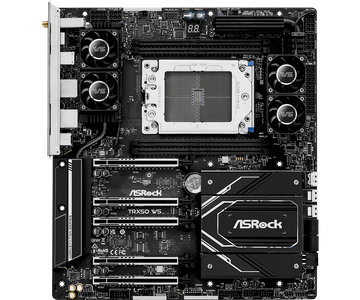
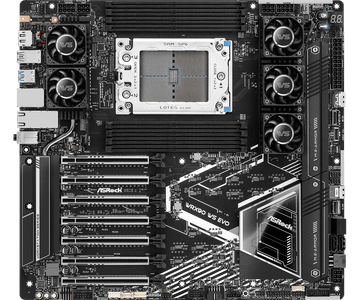
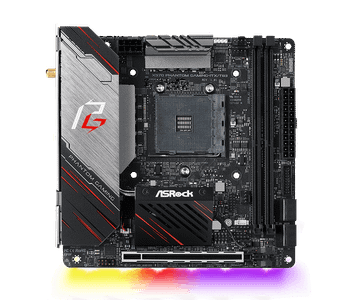
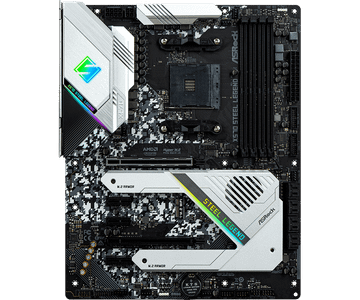
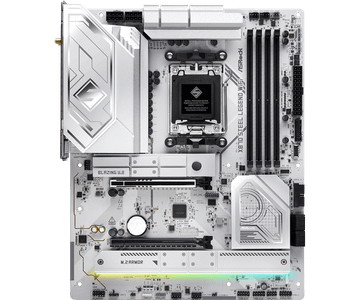
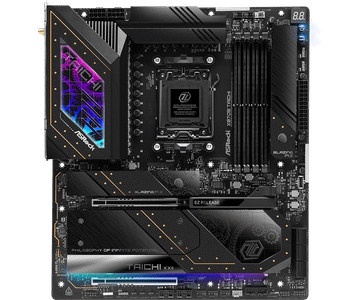
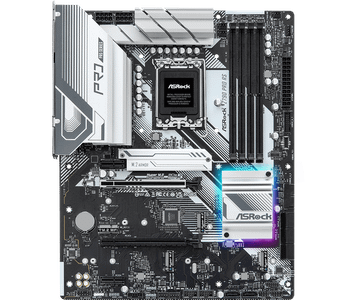
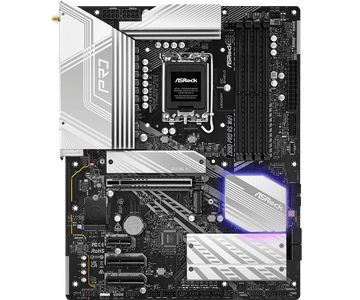
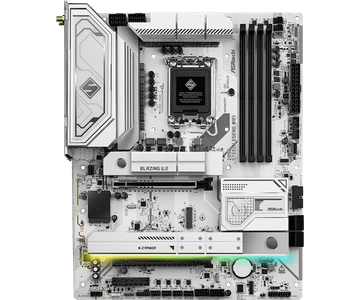
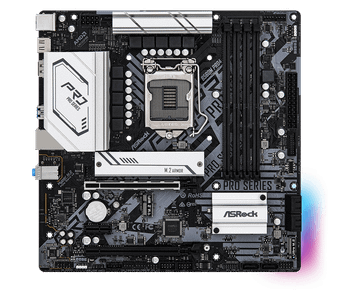
- Platform
- Intel
- Socket Type
- LGA1851
- Form Factor
- ATX

Hardware finder
Compare motherboards by platform, socket, form factor and chipset.
Updated October 10, 2026
138 motherboards from 7 brands.
Consumercarts is reader-supported. Learn more
Showing 138 Motherboards found
Compare motherboards by platform, socket, form factor and chipset.
Motherboards listed by socket, chipset, form factor, memory type and slot count, maximum memory, M.2 slots, PCIe generation and the rear port layout.
Socket and memory generation are the two that cannot be worked around. A board takes one socket and one of DDR4 or DDR5, never both, so those two decide your whole platform before anything else. AM4 vs AM5 and Core Ultra 200S vs Ryzen 9000 work through the platform choice.
138 boards here, covering AM5, LGA1851, LGA1700 and AM4. Chipset decides lane allocation and connectivity rather than raw speed: B650 vs X670 covers what the tier actually buys you, and M.2 slots at full speed explains why the extra slots often run slower than the first.
For picks, best AM5 board for Ryzen 9000 and X3D. If you are waiting on the next Intel platform, LGA1954 explained.
The board does not make the machine faster. It decides what you can connect, how much you can upgrade, and whether the CPU can hold its boost clocks. Buy for the features you will actually use.
The socket has to match the CPU exactly. The chipset then sets how many PCIe lanes, how many M.2 slots, what USB speeds you get, and whether overclocking or memory tuning is allowed. A budget chipset with a high end CPU works, but often caps memory speed and lane allocation.
The power stage feeding the CPU decides whether a 200W part holds its all core clocks or throttles. On mid range chips almost any board is adequate. On flagship parts the VRM and its heatsink are the difference between rated performance and a chip that quietly slows down.
Many boards share bandwidth: populating the second or third M.2 slot disables SATA ports or drops the main graphics slot from x16 to x8. The manual states this. The product page usually does not.
ATX, microATX and mini ITX decide slot count and case compatibility. Mini ITX takes two memory slots, not four, and usually one full length PCIe slot.
Rear USB count and speed, 2.5G versus 1G ethernet, WiFi generation, audio codec, and whether there is a BIOS flashback button. That last one lets you update firmware with no CPU installed, which matters when buying a new chip for an older board.
Any processor with the same socket, subject to a BIOS version that supports it. Check the socket on both spec sheets, AM5 to AM5, LGA1700 to LGA1700, and confirm the board's CPU support list for newer chips.
Only if the case lists ATX among its supported sizes. A smaller board fits a larger case, never the reverse.
One is enough for most builds. A second is useful for separating games from the operating system, and boards differ in whether the extra slots run at full PCIe speed or share bandwidth.
Not directly. It decides feature access: overclocking support, how many PCIe lanes reach the slots, and USB port counts.
They feed the processor. Count and current rating matter for sustained high-power chips and overclocking, and are close to irrelevant for a mid-range CPU at stock.