
Showing 196 Laptops found

Hardware finder
Compare laptops on the specifications that actually decide the purchase: whether the memory is soldered, how many storage slots are free, and what sustained power the chassis holds. One record per purchasable configuration, not per marketing name.
Updated October 10, 2026
196 laptops from 21 brands.
Consumercarts is reader-supported. Learn more
Showing 196 Laptops found
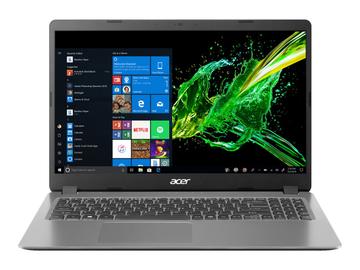
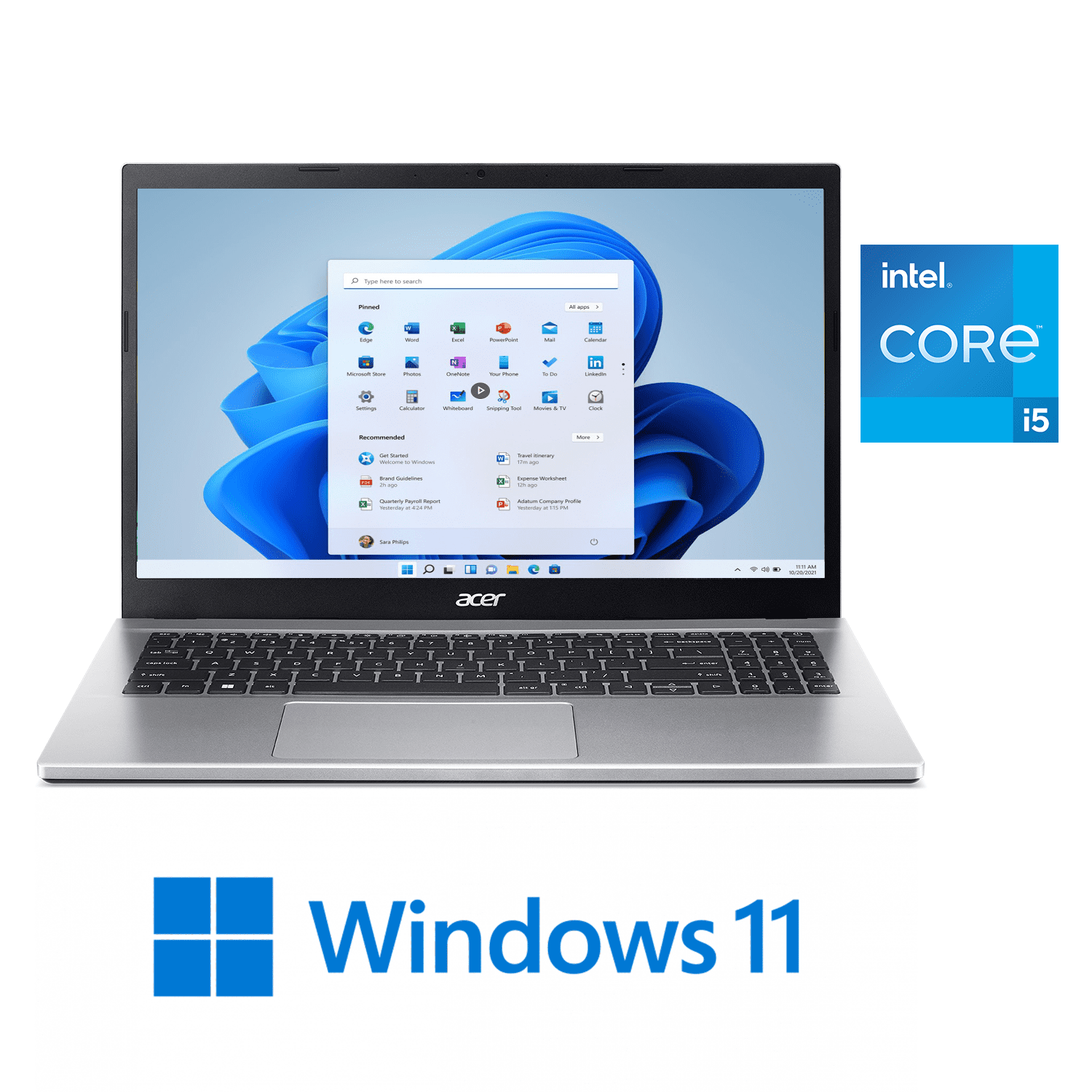
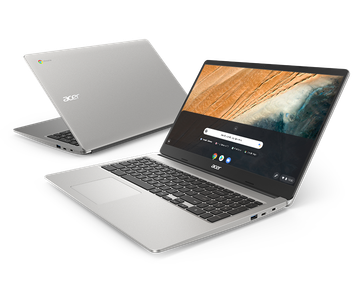

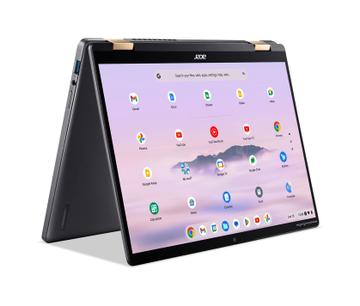
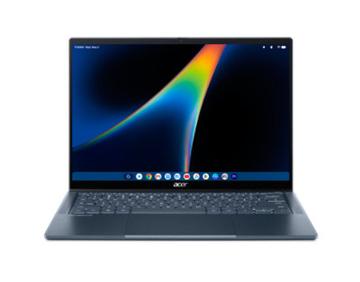
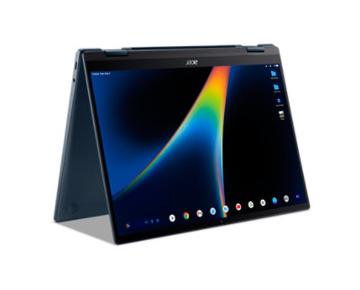
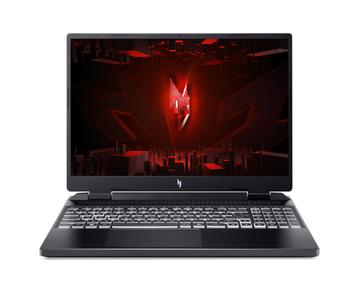
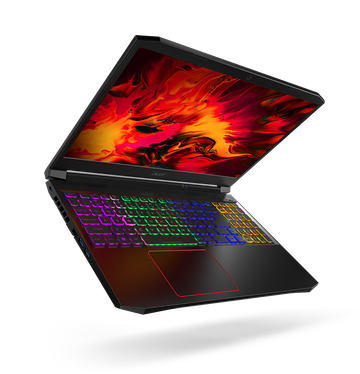
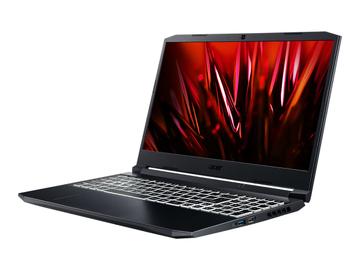
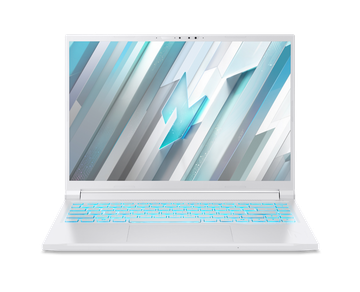
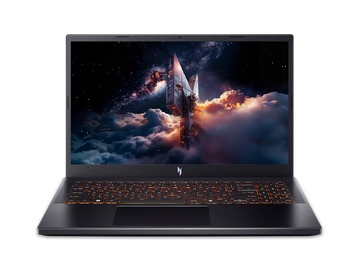
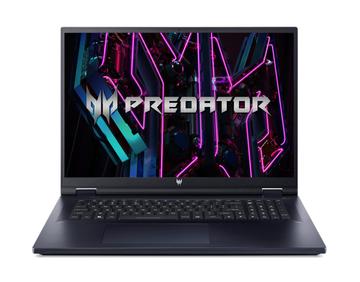
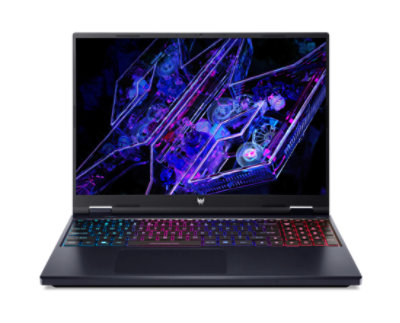
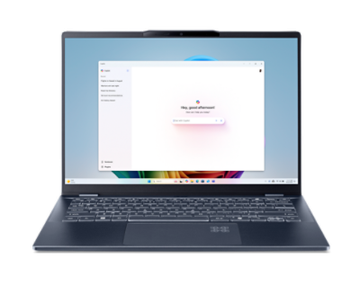






Compare laptops on the specifications that actually decide the purchase: whether the memory is soldered, how many storage slots are free, and what sustained power the chassis holds. One record per purchasable configurati…
Laptop buying comes down to three things most spec sheets bury: whether the RAM is soldered, how many M.2 slots the chassis actually has, and what the panel really is. Use the upgrade checker to see which RAM kits and SSDs fit a given model before you spend anything.
Machines are listed with CPU and GPU model, memory type and whether it is soldered, M.2 slot count, panel resolution, refresh rate and panel technology, battery capacity in watt-hours, and the port layout.
Start with how much to spend, then narrow the silicon using the laptop CPU tier list and laptop GPU tier list. Before you buy, check whether the RAM and storage can be upgraded and what the ports actually support. The full walkthrough is the laptop buying guide.
Three things decide whether a laptop is still useful in four years, and spec sheets bury all of them: whether the memory is soldered, how many M.2 slots the chassis has, and what the panel actually is.
Soldered memory is fixed forever, so buy the capacity you will need at the end of the machine's life, not the start. One M.2 slot means replacing the drive rather than adding one. Both facts are usually in the service manual, not the product page.
Resolution, refresh rate, brightness in nits and panel technology matter more day to day than a one tier CPU difference. A dim 250 nit panel is unusable outdoors. OLED gives better contrast and worse battery life on white backgrounds.
U series parts are low power and quiet. H series are mainstream performance. HX series are desktop derived and fast, in heavier chassis with louder fans. The same chip in a thin body will run slower than in a thick one, because cooling, not silicon, sets sustained performance.
Manufacturer battery hours are measured at low brightness on a light workload. Watt hours is a fact. Compare Wh against the machine's power draw class.
Confirm which USB-C ports carry video and which support charging, and at what wattage. Thunderbolt and USB4 are not the same thing, and a port that looks identical may do neither.
Check the memory type field. LPDDR5 and LPDDR5X are almost always soldered to the board and cannot be changed. DDR5 SODIMM means there are physical slots, usually two, and you can swap or add sticks. Some thin models mix both: a soldered base plus one free slot.
Only if the chassis has a second M.2 slot. Thin 14-inch models usually have one; 16-inch gaming and workstation models often have two. Slot length matters too, as many compact laptops only take M.2 2230 drives rather than the common 2280 size.
Partly. A 240Hz panel still reduces motion blur and input latency at 120fps compared with a 60Hz panel. But paying extra for 240Hz on a laptop that averages 60fps in the games you play is money better spent on the GPU tier.
The silicon is the same but the performance is not. Laptop GPUs are configured by total graphics power, and the gap between the lowest and highest TGP of the same model can be 30 percent or more. Always check the wattage, not just the GPU name.