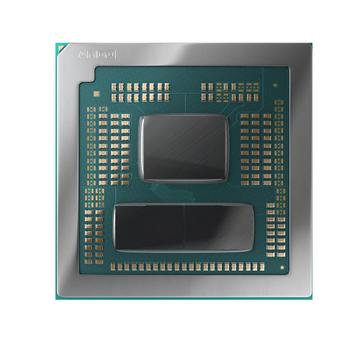
How to choose a desktop CPU
Pick the socket first. It decides your motherboard, your cooler, your memory generation and how many upgrades you get before a full rebuild. A fast chip on a socket the manufacturer has already retired is an expensive dead end.
Cores against clocks
Games are decided by a few fast cores and by cache, not by core count. A 6 or 8 core part with large cache beats a 16 core part in almost every title. Rendering, compiling and video export are the reverse and scale with cores. Buy for the work you do daily.
Boost clocks are a ceiling
A chip advertised at 5.7GHz may reach that on one core for a few seconds. The all core sustained clock is what decides render and compile times, and it depends on your cooler and your board's power limits as much as on the chip.
Check for integrated graphics
Several desktop parts ship with none. AMD's F suffix and Intel's KF suffix will not output a picture without a discrete card, which also means no troubleshooting display if that card fails.
Cooling and power are part of the price
A 170W part needs a cooler rated for it, a case that exhausts it, and a board whose VRM can feed it. Budget the three together or the chip will quietly run below its rating.
Memory pairing matters on AM5
Memory speed changes real frame rates on AM5, and the sweet spot is a 1:1 divider rather than the highest number available. Pairing a strong chip with slow memory wastes a measurable share of it.
Common mistakes
- Buying the top chip on an end of life socket.
- Paying for cores that your software will never thread onto.
- Using the stock cooler on a part that boosts hard, then blaming the chip for throttling.