
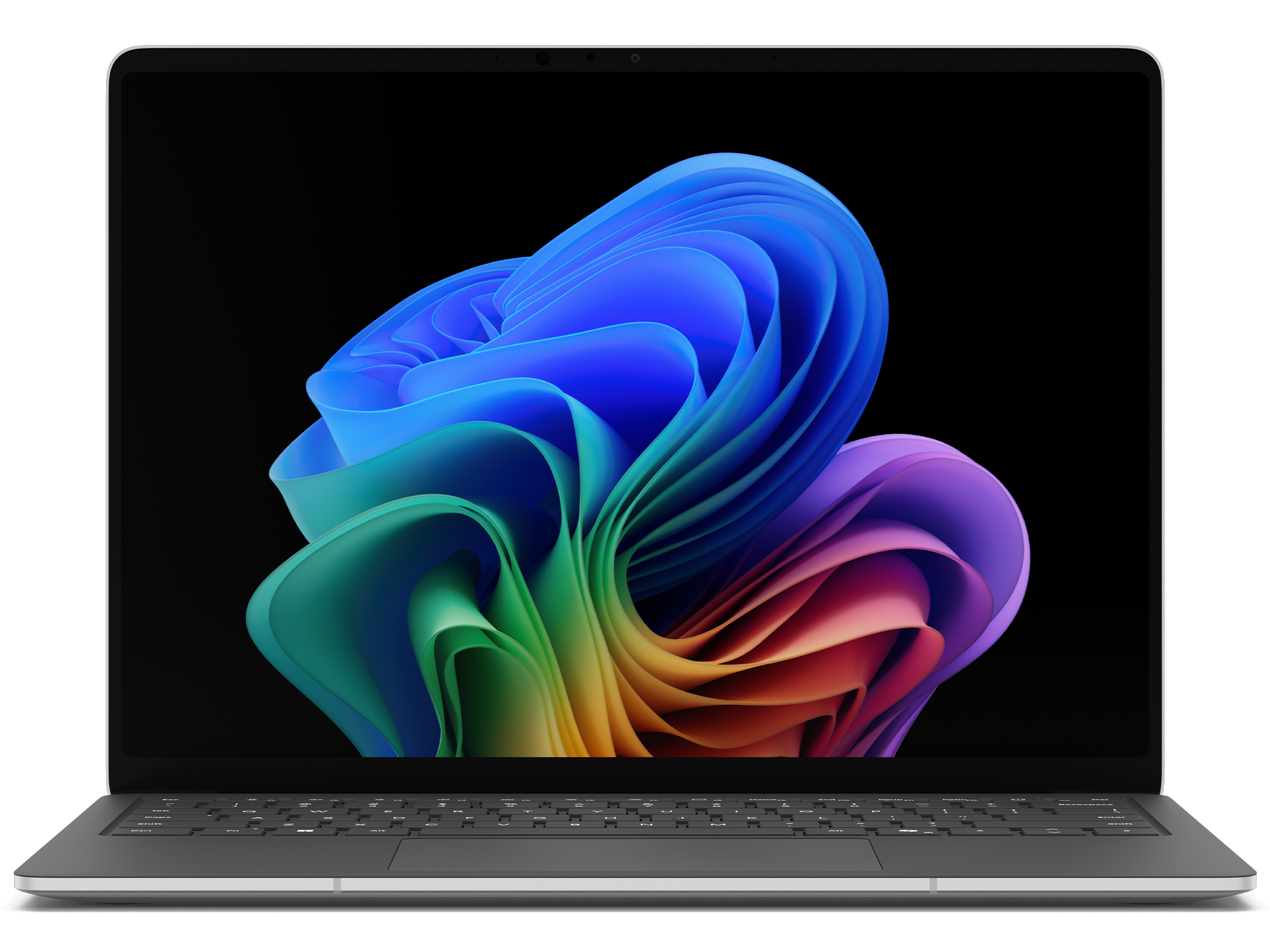
Microsoft Surface Laptop 7 13.8" for Business
Expert rating7.9 / 10
- CPU:
- Core Ultra 5 236V
- RAM:
- 16GB LPDDR5X soldered
- Storage:
- 256GB removable NVMe
- Display:
- 13.8" PixelSense 120Hz
- Class:
- Business
Upgrade and repair this laptop
Consumercarts is reader-supported. Learn more
Disclaimer: The price and specification of the given product may differ from the actual product. Please confirm on the retailer's website before buying.
Manufacturer: Microsoft Last updated: 2026-10-10
Microsoft Surface Laptop 7 13.8" for Business Review
Microsoft Surface Laptop 7 13.8 inch for Business, Intel Core Ultra 5 236V, 16GB LPDDR5X, 256GB removable NVMe SSD, PixelSense Flow 120Hz touchscreen, Thunderbolt 4, Wi-Fi 7, Windows 11 Pro.
The 13.8-inch Surface Laptop for Business runs Intel's Lunar Lake platform with a removable (if not upgradeable-in-place) M.2 2230 SSD and a 120Hz PixelSense touch display.
Performance
Intel Core Ultra 5 236V (Lunar Lake) with integrated Intel Arc Graphics and a 40 TOPS NPU for Copilot+ features. This is the entry Business CPU tier; 238V, 266V and 268V options step up performance and NPU throughput.
Upgradability
16GB of LPDDR5X is soldered to the board, not user-upgradeable. Storage uses a single removable Gen 4 M.2 2230 SSD; Microsoft's own service documentation supports replacing this drive, but there is no second slot to add capacity alongside it.
Battery life
54Wh battery, Microsoft-rated up to roughly 12 hours of web use and up to 20 hours of video playback.
Display
13.8-inch PixelSense Flow touchscreen, 2304x1536 (201 PPI), dynamic refresh up to 120Hz, 600 nits SDR/HDR peak, 3:2 aspect ratio, Corning Gorilla Glass 5.
Design and ports
1.35kg. Two USB-C (USB4/Thunderbolt 4), one USB-A 3.1 Gen 2, 3.5mm jack, Surface Connect port. Optional 5G on this size. Wi-Fi 7 and Bluetooth 5.4.
Our verdict
Reviewed by Burooj Alam. Rated by us, not by users.
Expert rating7.9 / 10
The Surface Laptop 7 13.8 has a 3:2 touchscreen at 2304 pixels wide, 120Hz and 600 nits, which works well for reading and note-taking. It uses a Core Ultra 5 236V with 16GB of LPDDR5X, weighs 1.35 kg and adds Thunderbolt 4 and WiFi 7.
The memory is soldered and there is a single M.2 slot, so you cannot add RAM or a second drive. The 256GB storage is small, the 54Wh battery is moderate, and graphics are integrated, so it favors efficiency over raw multi-core speed.
Best for
- Business buyers standardizing on a compact, Copilot+-certified laptop
- Anyone who values a 3:2, 120Hz touchscreen for note-taking and reading
- IT departments that want a serviceable (if not expandable) SSD
Not for
- Anyone wanting to add RAM after purchase, it's soldered
- Buyers needing a second internal storage slot
- Users prioritizing raw multi-core performance over efficiency
Specifications
What these specs meanIdentity and variant
| Brand | Microsoft |
|---|---|
| Series | Surface Laptop |
| Series ID | surface-laptop-7-business |
| SKU Name | Core Ultra 5 236V / 16GB / 256GB / 13.8" |
| Chassis Code | 7th Edition |
| Region Sold | Global |
Class and platform
| Laptop Class | Business |
|---|---|
| Release Year | 2025 |
| Operating System | Windows 11 Pro |
| Weight | 1.35 kg |
Processor
| CPU Brand | Intel |
|---|---|
| CPU Model | Intel Core Ultra 5 236V |
| CPU Cores | 8 |
Sustained power
| Sustained Power Source | Not Measured |
|---|
Graphics
| GPU Brand | Intel |
|---|---|
| GPU Model | Intel Arc Graphics |
| VRAM | 0 GB |
| Graphics Switching | Integrated Only |
Memory
| RAM Capacity | 16 GB |
|---|---|
| RAM Type | LPDDR5X |
| Memory Form Factor | Soldered |
| Memory Soldered | Yes |
| Max RAM Supported | 32 GB |
Upgradability
| RAM Slots | 0 |
|---|---|
| RAM Slots Free | 0 |
| Storage Slots | 1 |
| Storage Slots Free | 0 |
| Storage Form Factor | M.2 2230 |
| Storage Interface | PCIe 4.0 x4 |
| SATA Bay Present | No |
Storage as shipped
| Storage Capacity | 256 GB |
|---|---|
| Storage Type | NVMe SSD |
Display
| Display Size | 13.8 inches |
|---|---|
| Resolution Width | 2304 px |
| Resolution Height | 1536 px |
| Refresh Rate | 120 Hz |
| Panel Type | IPS |
| Brightness | 600 nits |
| Brightness Condition | SDR Sustained Full Screen |
| Touchscreen | Yes |
Battery and ports
| Battery Capacity | 54 Wh |
|---|---|
| Battery Life Light Load | 12 hours |
| Thunderbolt Support | Thunderbolt 4 |
| WiFi Standard | WiFi 7 |
FAQs
Can you upgrade the RAM in the Microsoft Surface Laptop 7 13.8" for Business?
No. The memory (16 GB of LPDDR5X) is soldered to the motherboard and there are no memory slots, so it cannot be upgraded after purchase. Choose the capacity you need when you buy.
Can you upgrade the SSD in the Microsoft Surface Laptop 7 13.8" for Business?
Yes. It has 1 M.2 2230 slot (PCIe 4.0 x4). As shipped the slot is in use, so upgrading means replacing the existing drive. It ships with 256 GB NVMe SSD.
What display does the Microsoft Surface Laptop 7 13.8" for Business have?
The Microsoft Surface Laptop 7 13.8" for Business has a 13.8-inch, 2304x1536, IPS, 120 Hz touch display.
Does the Microsoft Surface Laptop 7 13.8" for Business have Thunderbolt?
Yes. It supports Thunderbolt 4.
How big is the battery in the Microsoft Surface Laptop 7 13.8" for Business?
The Microsoft Surface Laptop 7 13.8" for Business has a 54 Wh battery.
Compare and read more
- Dell Latitude 5450 (Core i7-1355U, 16GB, 512GB) vs Microsoft Surface Laptop 7 13.8" for Business (Core Ultra 5 236V, 16GB)
- Dynabook Portege X30L-K (Core i7-1265U, 16GB, 512GB) vs Microsoft Surface Laptop 7 13.8" for Business (Core Ultra 5 236V, 16GB)
- HP EliteBook 840 G11 (Core Ultra 7 165U, 16GB, 512GB) vs Microsoft Surface Laptop 7 13.8" for Business (Core Ultra 5 236V, 16GB)
- Lenovo ThinkPad T14 Gen 5 (Core Ultra 7 155U, 16GB, 512GB) vs Microsoft Surface Laptop 7 13.8" for Business (Core Ultra 5 236V, 16GB)
- Lenovo ThinkPad X1 Carbon Gen 13 Aura (16GB, Core Ultra 7 256V, WUXGA) vs Microsoft Surface Laptop 7 13.8" for Business (Core Ultra 5 236V, 16GB)
- How Much Should You Spend on a Laptop in 2026?
- Laptop Buying Guide 2026: What To Look For Before You Buy