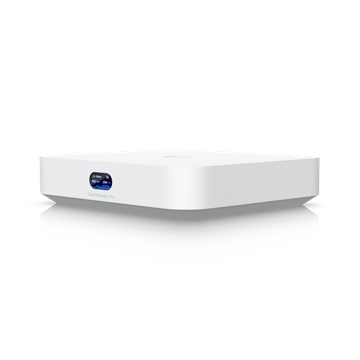
- Router Type
- Prosumer or business
$129.00at Ubiquiti Store

Hardware finder
Updated October 8, 2026
156 routers from 25 brands. Prices from $6.00 to $2,300.00.
Consumercarts is reader-supported. Learn more
Showing 156 Routers found
$129.00at Ubiquiti Store
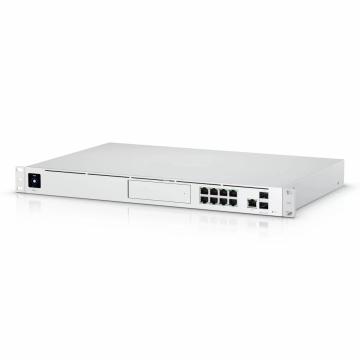


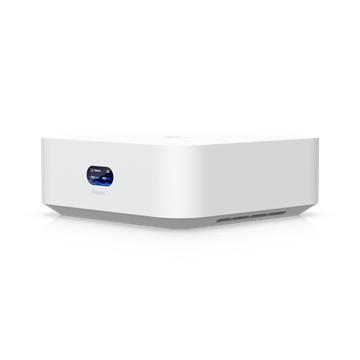

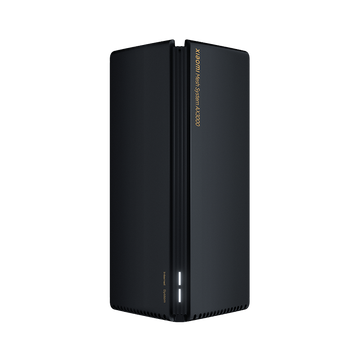
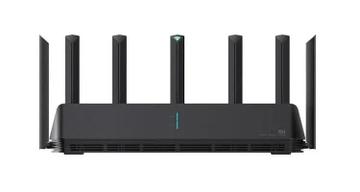
$130.00


$159.00at Geekwills
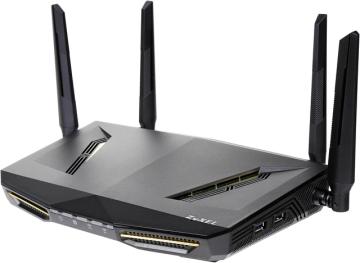
Routers listed by WiFi generation, the link rate of each band separately, maximum channel width, wired port speeds and backhaul type.
The aggregate number on the box adds every band together, which no single device can use at once, so per-band figures are recorded here instead.
Whether you need one box or several is a coverage question rather than a speed one: mesh router vs single router. On Wi-Fi 7, do you actually need one is worth reading before paying for it, and for segmenting a home lab see routers with VLAN support. Popular comparisons: ASUS ROG Rapture GT-BE98 vs GL.iNet Flint 3 and Amazon eero Pro 7 vs GL.iNet Flint 2.
Coverage and client count decide this, not the headline speed. The number on the box adds every band together, and no single device can use more than one at a time.
A single router suits an apartment or a small house with an open plan. Mesh suits multiple floors, thick walls or a long layout. Mesh trades peak speed for consistency, and a wired backhaul between nodes removes most of that trade.
WiFi 6 is the sensible baseline and is what most of your devices support. WiFi 6E adds the clean 6GHz band, which is fast and short ranged. WiFi 7 adds wider channels and multi link operation, and only helps if your clients support it, which today most do not.
If your line is 200Mbps, almost any current router saturates it. The router matters for local transfers, for how many devices it holds at once, and for how far the signal reaches.
Count the LAN ports and check their speed. Many routers still ship 1G ports, which caps a faster line and any local transfer. A 2.5G WAN port matters if your connection is above 1Gbps.
Ask how long the manufacturer supports the model, whether updates are automatic, and whether the features you want, VLANs, guest isolation, proper QoS, exist. A router that stops getting security updates is a liability on your network.
It is the sum of every band added together. No single device connects to all of them at once, so the useful figure is the fastest single band rate, which is listed on each product.
Only if you have WiFi 7 clients and a multi-gig internet connection. WiFi 6 or 6E remains sufficient for most homes, and the 6GHz band matters more than the generation number.
Multi-Link Operation, a WiFi 7 feature letting a device use two bands simultaneously for more stable throughput. Both router and client must support it.
One good router covers most flats and smaller houses. Mesh helps across floors or thick walls, and a dedicated wireless backhaul band avoids halving throughput at each hop.
No. It removes the local wireless bottleneck. If your connection is 100Mbps, a faster router improves coverage and device handling, not the connection itself.