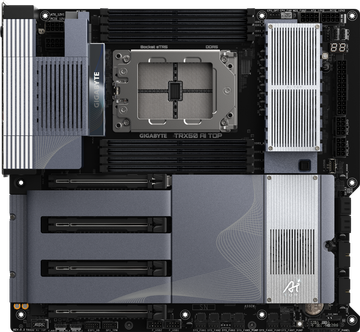
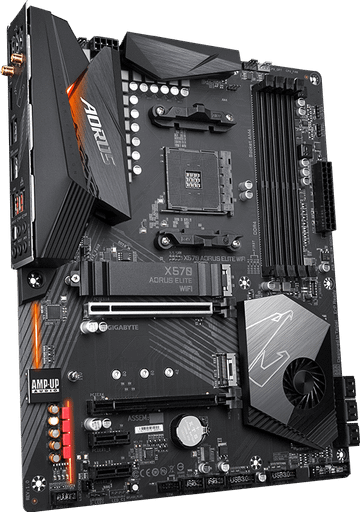
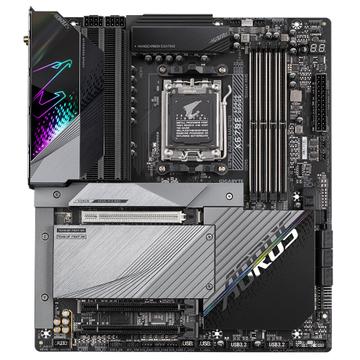
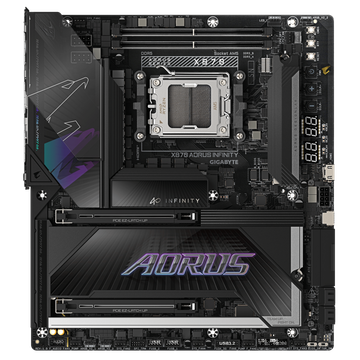
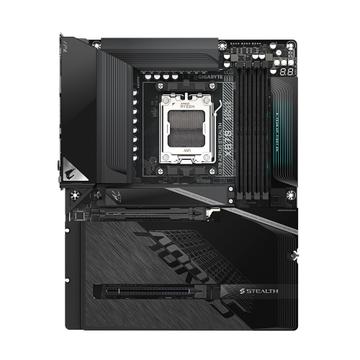
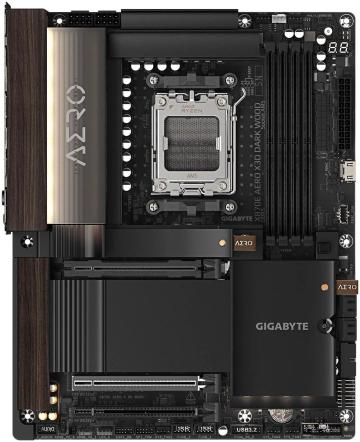
How to choose a motherboard
The board does not make the machine faster. It decides what you can connect, how much you can upgrade, and whether the CPU can hold its boost clocks. Buy for the features you will actually use.
Chipset and socket
The socket has to match the CPU exactly. The chipset then sets how many PCIe lanes, how many M.2 slots, what USB speeds you get, and whether overclocking or memory tuning is allowed. A budget chipset with a high end CPU works, but often caps memory speed and lane allocation.
VRM matters on high wattage chips
The power stage feeding the CPU decides whether a 200W part holds its all core clocks or throttles. On mid range chips almost any board is adequate. On flagship parts the VRM and its heatsink are the difference between rated performance and a chip that quietly slows down.
Count the slots and check what they share
Many boards share bandwidth: populating the second or third M.2 slot disables SATA ports or drops the main graphics slot from x16 to x8. The manual states this. The product page usually does not.
Form factor
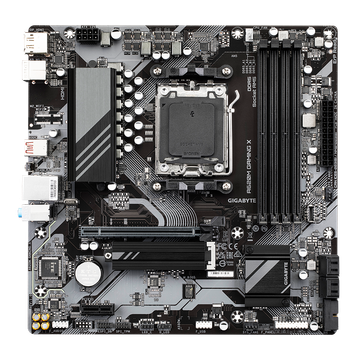
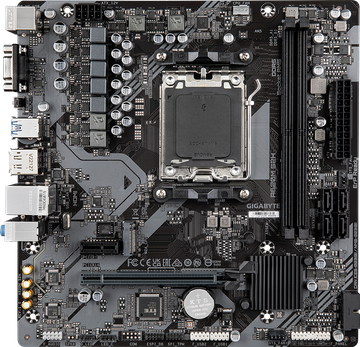
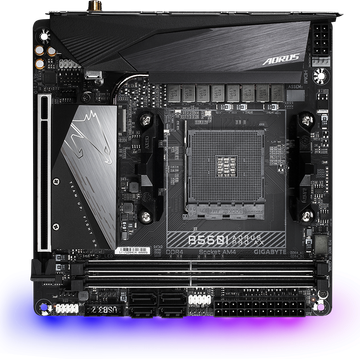
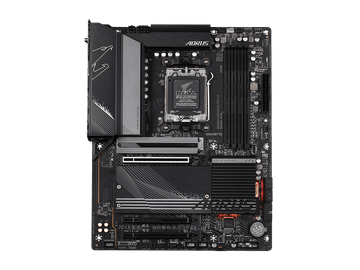
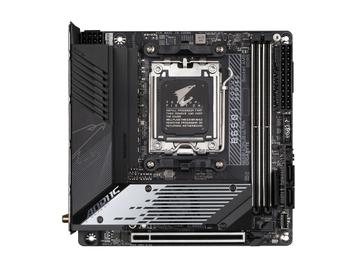
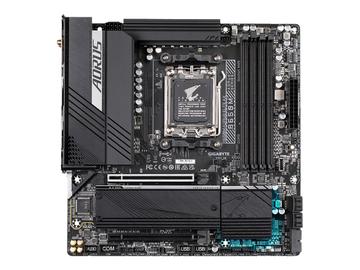
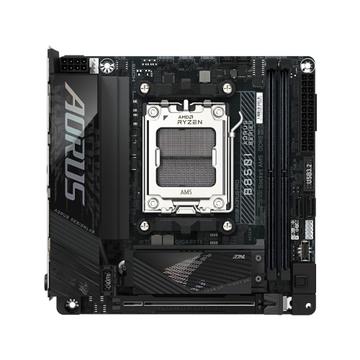
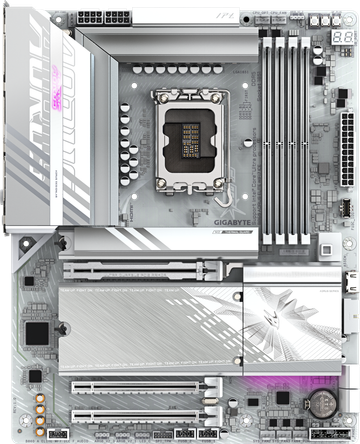
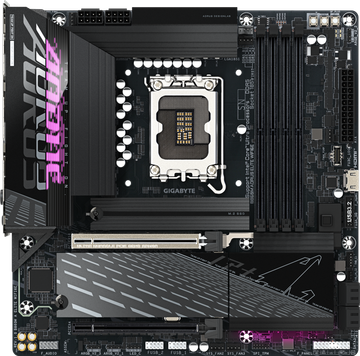
ATX, microATX and mini ITX decide slot count and case compatibility. Mini ITX takes two memory slots, not four, and usually one full length PCIe slot.
Connectivity is the real differentiator
Rear USB count and speed, 2.5G versus 1G ethernet, WiFi generation, audio codec, and whether there is a BIOS flashback button. That last one lets you update firmware with no CPU installed, which matters when buying a new chip for an older board.
Common mistakes
- Buying a board that needs a BIOS update for your CPU, with no flashback button and no older CPU to hand.
- Assuming four memory slots means four sticks at rated speed. Two are usually faster.
- Paying for overclocking features on a locked chip.