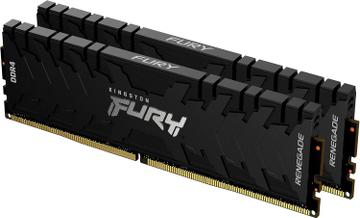
- DDR Generation
- DDR4
- DDR Generation
- DDR4
- Capacity
- 32 GB
- Speed
- 4000 MT/s
Speed Score 9.3/10

Hardware finder
Updated October 10, 2026
840 RAM kits from 29 brands.
Consumercarts is reader-supported. Learn more
Showing 840 RAM found
Speed Score 9.3/10

Speed Score 7.8/10

Speed Score 7.0/10

Speed Score 8.8/10

Speed Score 8.8/10

Speed Score 9.5/10
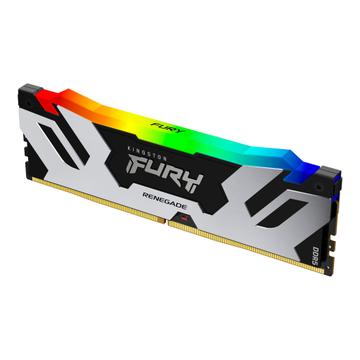
Speed Score 7.8/10
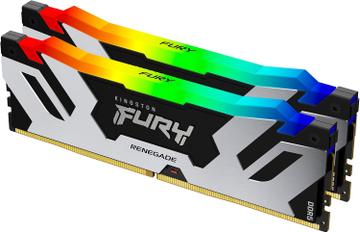
Speed Score 7.8/10
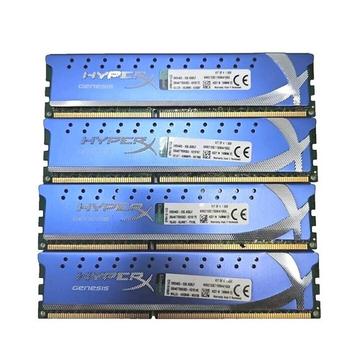
Speed Score 5.5/10


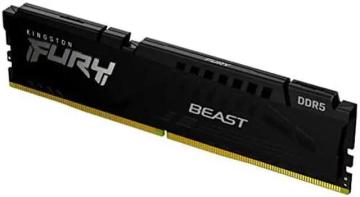
Speed Score 5.3/10
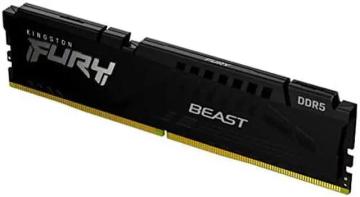
Speed Score 5.3/10
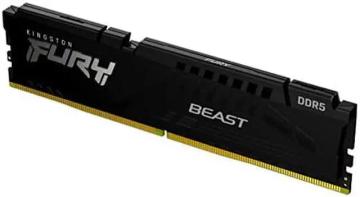
Speed Score 5.3/10
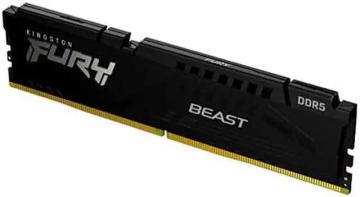
Speed Score 5.5/10
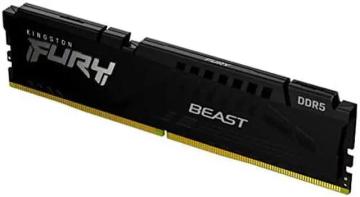
Speed Score 5.5/10
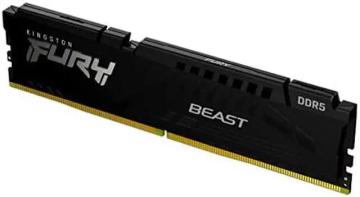
Speed Score 6.5/10
Speed Score 6.5/10
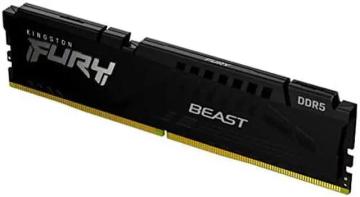
Speed Score 6.3/10
Speed Score 6.3/10
Speed Score 6.3/10
Speed Score 8.3/10
Speed Score 8.3/10
Speed Score 8.3/10
Memory kits listed by the figures that actually differ: DDR generation, rated speed in MT/s, CAS latency, and the true latency in nanoseconds that combines the two.
Generation is not optional. A DDR5 module will not fit a DDR4 slot. Our laptop upgrade checker filters to the modules your specific laptop accepts.
Speed alone does not decide it: read true latency vs speed rating, 32GB vs 64GB and our DDR5 price tracker. Popular comparisons: Corsair Vengeance LPX 16GB vs 32GB, Vengeance LPX 32GB vs Vengeance RGB Pro 16GB and CMK16GX4M2B3200C16 vs CMK16GX4M2E3200C16.
Buy a kit, not sticks. Two modules sold together are tested together, and mixing two separately bought pairs is the most common cause of a machine that will not post at its rated speed.
True latency in nanoseconds is the only honest way to compare across speeds: CAS latency multiplied by 2000, divided by the rated speed. DDR5-6000 CL30 is 10.0ns and beats DDR5-6400 CL40 at 12.5ns, even though every retail listing sorts by the bigger number.
16GB is the working floor. 32GB is the sensible target for gaming plus browser plus anything else open. 64GB and above is for virtual machines, large timelines and heavy datasets, not for headroom.
On AM5, DDR5-6000 with tight timings is the practical limit for most chips because the memory controller runs 1:1 there. Pushing past it often forces a slower divider and ends up net negative. Intel is more tolerant of higher speeds but gains less from them.
Rated speed is an overclock. Out of the box a kit runs at the JEDEC base speed until you enable the profile in BIOS. A kit bought for its rating and left unconfigured is running slower than a cheaper kit that was configured.
Tall heatspreaders collide with large air coolers. Check module height against your cooler before buying, especially with 140mm towers.
No. The two use physically different notches and are not interchangeable. The board supports one generation only, and it is stated on the motherboard spec sheet.
Not on its own. Latency in nanoseconds is what you feel, and it combines CAS latency with speed. A CL36 DDR5-6000 kit is faster in real terms than a CL30 DDR5-4800 kit.
Two, in almost every case. Dual channel roughly doubles memory bandwidth, and a single module leaves performance on the table, particularly with integrated graphics.
Stored profiles that run the kit at its advertised speed. Without enabling one in the BIOS, the memory runs at the slower JEDEC default, whatever the box says.
Yes, if you use a large air cooler. Tall heatspreaders can foul the cooler over the first slot. Check the cooler RAM clearance figure or choose low profile memory.
Match the generation to your motherboard first (DDR4 and DDR5 do not fit each other's slots), then pick capacity, then compare true latency in nanoseconds, which combines speed and CAS latency into one number. Lower true latency is faster.