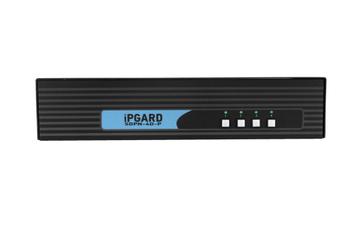
- Port Count
- 4
- Switching Method
- Button
- Video Standard
- DisplayPort
Capability Score 6.6/10
$950.56

Hardware finder
Compare KVM switches by port count, video standard and switching method.
Updated October 10, 2026
483 KVM switches from 39 brands. Prices from $12.00 to $12,098.00.
Consumercarts is reader-supported. Learn more
Showing 483 KVM Switches found
Capability Score 6.6/10
$950.56
Capability Score 6.9/10
$1,982.02
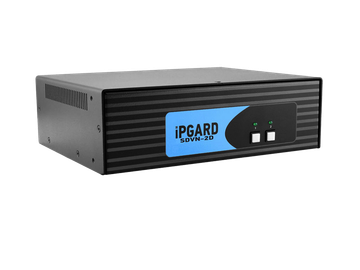
Capability Score 5.6/10
$433.50
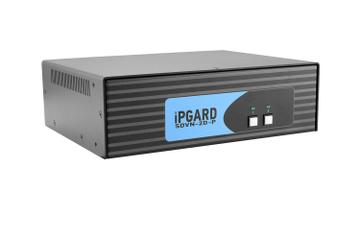
Capability Score 6.3/10
$479.25
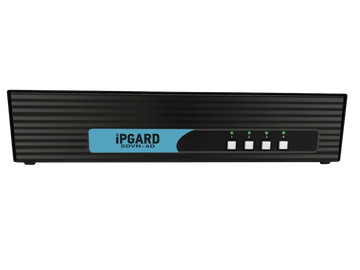
Capability Score 5.9/10
$729.00
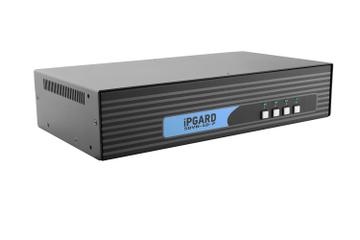
Capability Score 6.6/10
$834.46
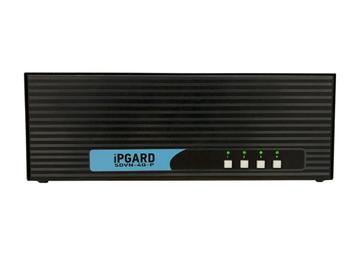
Capability Score 6.9/10
$1,638.20
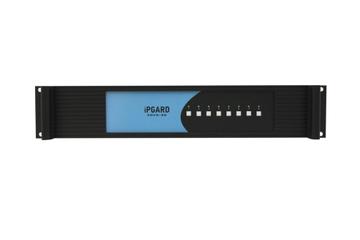
Capability Score 6.1/10
$1,376.78
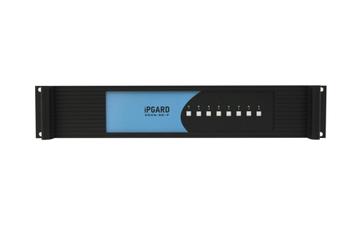
Capability Score 6.8/10
$1,450.19
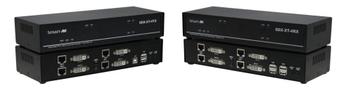
Capability Score 6.7/10
$1,282.26
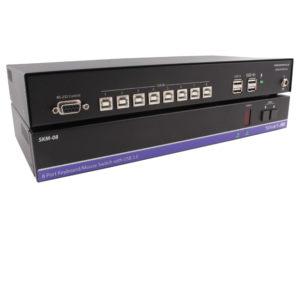
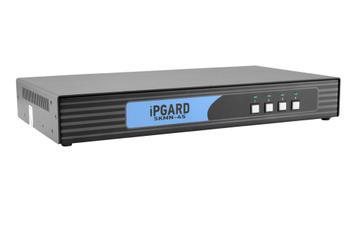
$486.75
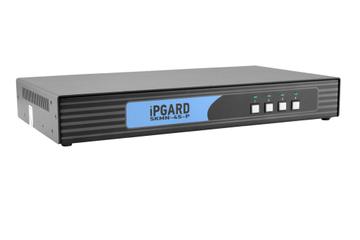
$546.75
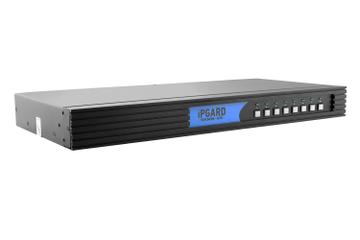
$815.73
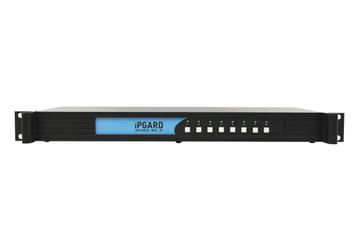
$861.42
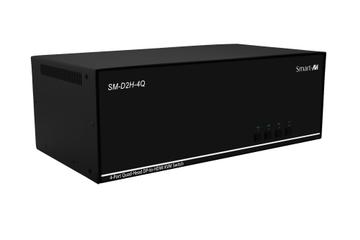
Capability Score 5.0/10
$1,012.21
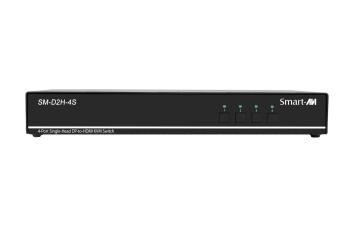
Capability Score 4.2/10
$466.75
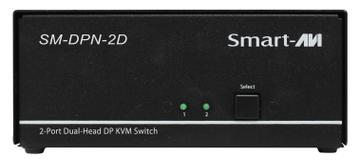
Capability Score 5.3/10
$310.91
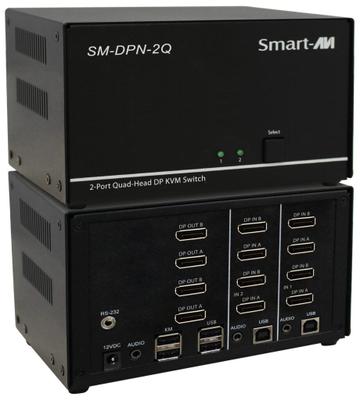
Capability Score 5.6/10
$622.60
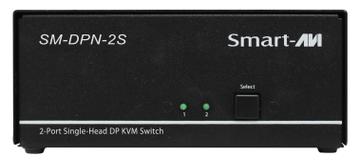
Capability Score 4.8/10
$201.82
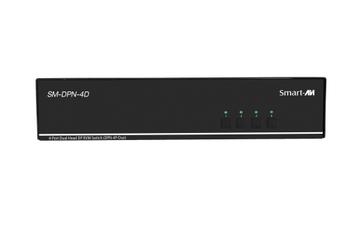
Capability Score 4.7/10
$700.52
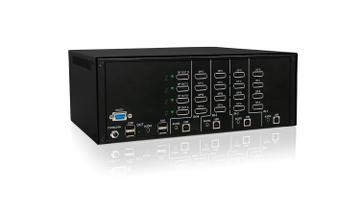
Capability Score 5.0/10
$934.29
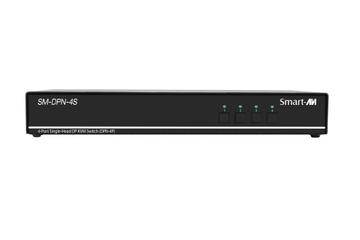
Capability Score 4.2/10
$427.79
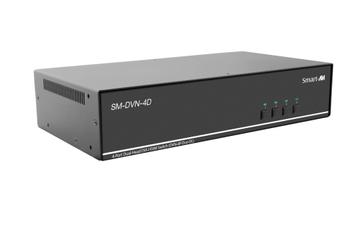
Capability Score 4.7/10
$544.68
Compare KVM switches by port count, video standard and switching method.
Short on time? See our pick of the best KVM switches.
A KVM switch lets one keyboard, mouse and monitor control two or more computers. This page lists every KVM switch in our catalog by the specifications that decide whether it works on your desk: video interface version, the resolution and refresh rate it actually carries, USB switching speed, and whether it emulates EDID.
A switch advertised as 4K usually means 4K at 60Hz. Our bandwidth guide explains why that is not the same as 1440p at 144Hz.
Prices in our catalog run from about $13 for a basic two-port HDMI switch to over $12,000 for enterprise IP models. Of the 419 switches with a listed price, a quarter cost under $240 and half under $545; most of the expensive ones are secure, rack or remote-access models. Price is a poor guide here: from $50 to $1,500 the average capability score barely moves, and what the money actually buys is port count. Our KVM switch price comparison breaks down what each price band gets you. For a desk with two PCs, start with our two-PC battlestation guide. Mixing monitors? Read using two different monitors and EDID emulation explained.
Start from the exact resolution and refresh rate you need to pass, because that single figure rules out most of the market. A switch rated 4K60 will not carry 4K144, and many 8K badged units reach it only at 30Hz.
Confirm the port type (HDMI, DisplayPort or USB-C), the version, and whether the unit supports the features you rely on: HDR, variable refresh rate, and chroma subsampling at your resolution. A switch that drops 4:4:4 makes text look fringed even though the resolution is correct.
Peripheral ports are often USB 2.0 even on expensive switches. That is fine for a keyboard and mouse and useless for a webcam, an audio interface or fast storage. If you switch a high polling rate mouse, confirm the switch does not cap it.
A two port single monitor switch is a different product from a dual monitor unit, and dual monitor models cost considerably more. Count displays first, then machines.
Poor EDID emulation is why windows rearrange themselves every time you switch. A switch that holds the display's EDID on each port keeps your desktop layout intact. It is rarely advertised and it is the feature people regret most.
Button, hotkey, remote or a mix. Hotkeys can conflict with software you already use. Some enterprise units also offer IP based switching, which is a different category of product and price.
A KVM (keyboard, video, mouse) switch connects one set of peripherals and one or more monitors to two or more computers, and lets you flip between them with a button, hotkey or remote. Desk models usually handle 2 to 4 PCs; rack and IP models handle dozens.
At 1080p, almost all do. At 1440p, only HDMI 2.1 or DisplayPort 1.4 switches carry 144Hz properly, because HDMI 2.0 provides about 14.4 Gbit/s usable and the mode needs roughly 15.
It keeps your monitor descriptor presented to both PCs at all times, so neither sees a disconnect when you switch. Without it, windows rearrange and the resolution renegotiates on every swap.
A good one adds effectively none. Cheap switches with poor internal processing can add a few milliseconds, so choose a well-reviewed model if you game competitively.
Yes, with a dual-head switch. The monitors can differ in size and resolution, but look for per-port, per-head EDID emulation so each is described correctly.
Yes. An HDMI 2.1 switch fed by a cable rated for HDMI 2.0 runs at 2.0. Use certified cables on both sides of the switch.
A basic two-port HDMI switch for one monitor costs from about $13 to $50. In our catalog, a quarter of the 419 switches with a listed price cost under $240 and half under $545. Dual-monitor, high refresh rate, DisplayPort and USB-C models cost more, and secure or enterprise switches run past $1,000.
For two PCs sharing one 4K 60Hz monitor, a basic HDMI switch under $50 does the job, and it is the budget pick in our best KVM switches guide. Pay more only when you need 144Hz or higher, two monitors, DisplayPort, or USB-C charging for a laptop.