How to choose a replacement laptop battery
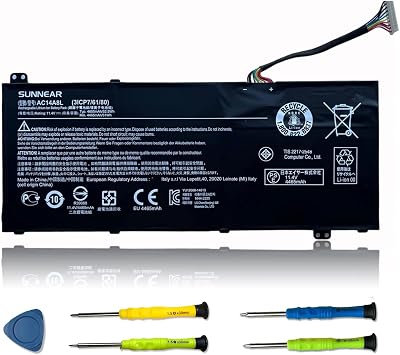
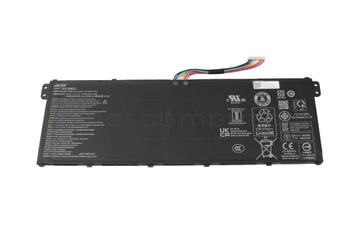
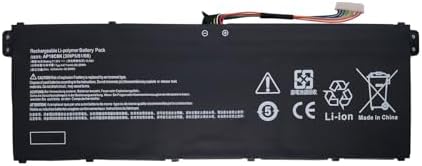
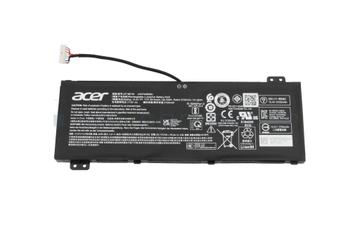
Match the manufacturer part number, not the laptop model. Most laptops shipped with more than one battery part over their life, differing in capacity, connector and physical depth.
Watt hours is the spec, mAh is the marketing
A seller quoting a large mAh figure at a different cell voltage is quoting a smaller battery. Wh is voltage multiplied by amp hours and is directly comparable. Compare the Wh on the listing against the Wh printed on your existing pack.
Capacity claims above the original are a warning sign
A replacement advertised well above the factory Wh in the same physical shell is almost always overstated. The cells have not changed size.
Voltage must match exactly
Cell count sets the voltage. An 11.4V pack and a 15.2V pack are three cell and four cell designs, and they are not interchangeable even if the connector looks the same.
Check the connector and the ribbon
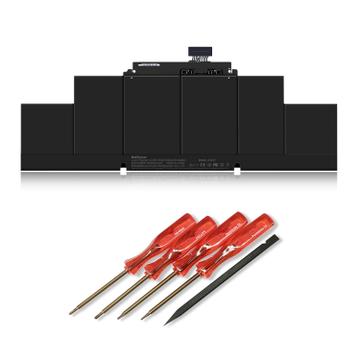
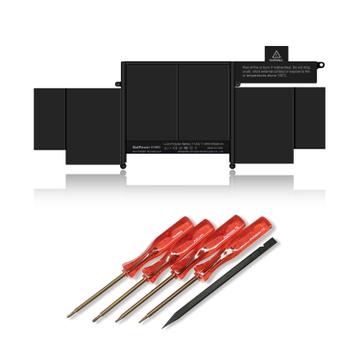
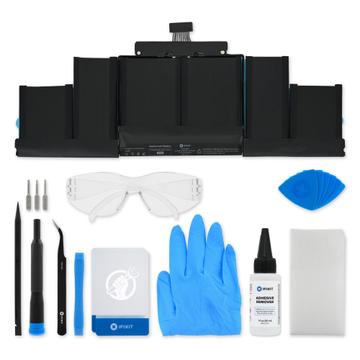
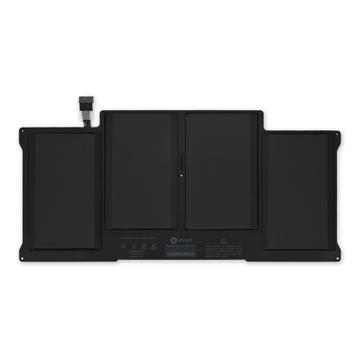
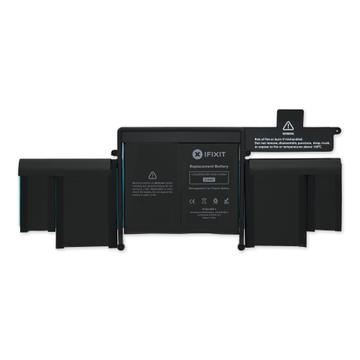
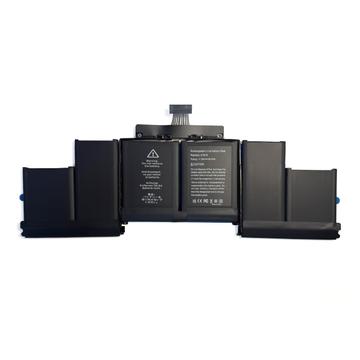
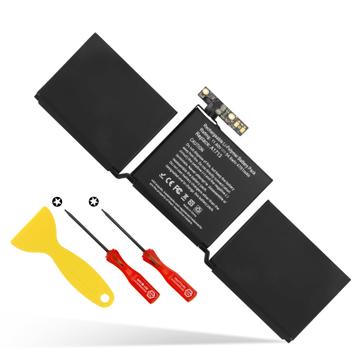
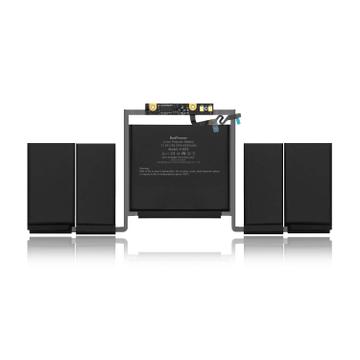
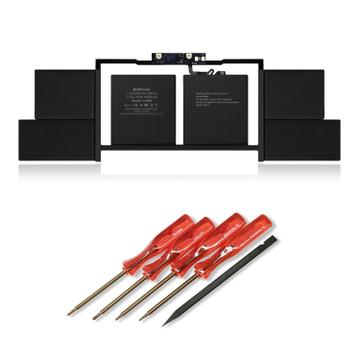
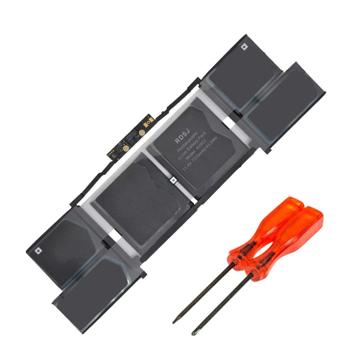
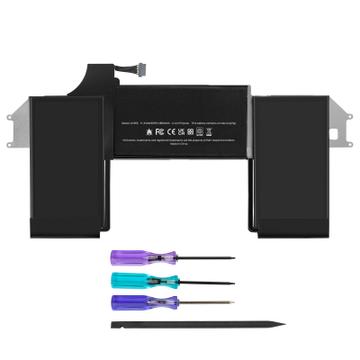
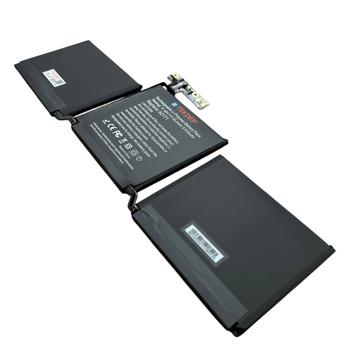
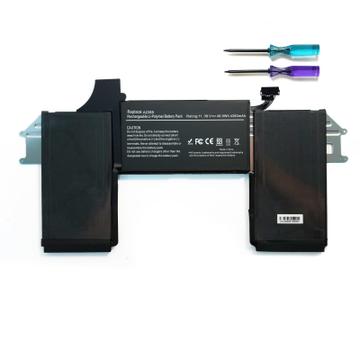
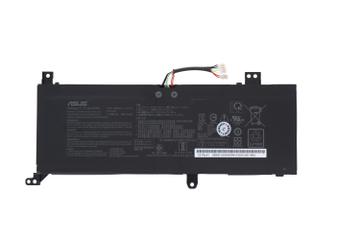
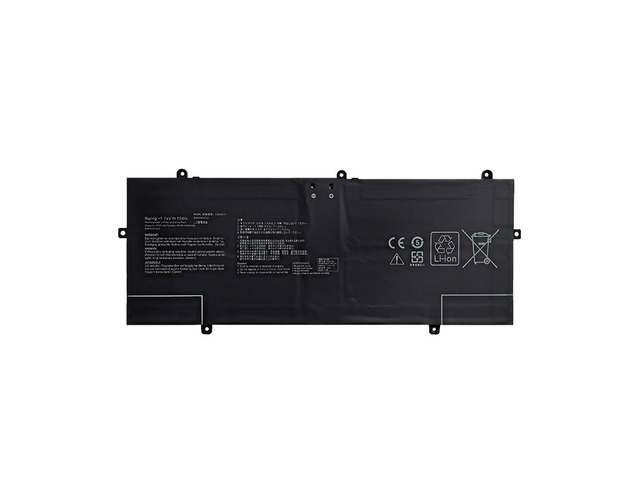
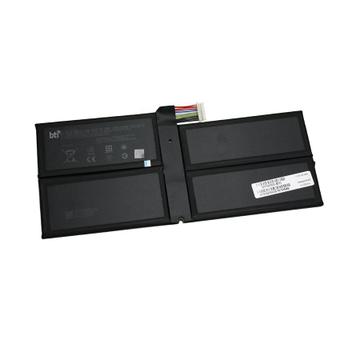
Connector type, pin count and cable length vary within a model line. Photographs of the actual part beat the compatibility list.
Age and storage matter on arrival
Lithium cells degrade on the shelf. A pack manufactured three years ago and stored charged has already lost capacity. Ask for the manufacture date where you can.
Shipping and disposal
Lithium packs ship under restrictions, which is why delivery can be slower and why some sellers will not ship internationally. Do not put the old pack in household waste, and do not keep a swollen one.
Common mistakes
- Buying on price and receiving cells with no protection circuit.
- Reusing an old pack that has started to swell. Replace it immediately, it is a fire risk.
- Assuming a battery fixes a machine that will not charge. The charger or the board is often the fault.